
When Agent automation suddenly stalls at scale, the problem is often not the model or the script but the browser environment layer. This article breaks down four common failure patterns, their observable symptoms, and the engineering practices that address them.
Building an Agent with LangChain, AutoGen, or CrewAI and letting it control websites through Playwright or Puppeteer is not especially difficult. The hard part is keeping it running continuously.
At first, the problems are usually hard to see. Once task volume grows, failures start clustering: sites block tasks, account sessions suddenly expire, or several Agents interfere with one another while running at the same time. The first reaction is often to inspect the code, only to discover that the code is fine.
The problem is often in the browser environment layer. In projects that run at scale, failures usually fall into a small number of recurring patterns. Once you recognize them, they are not especially complicated to handle.
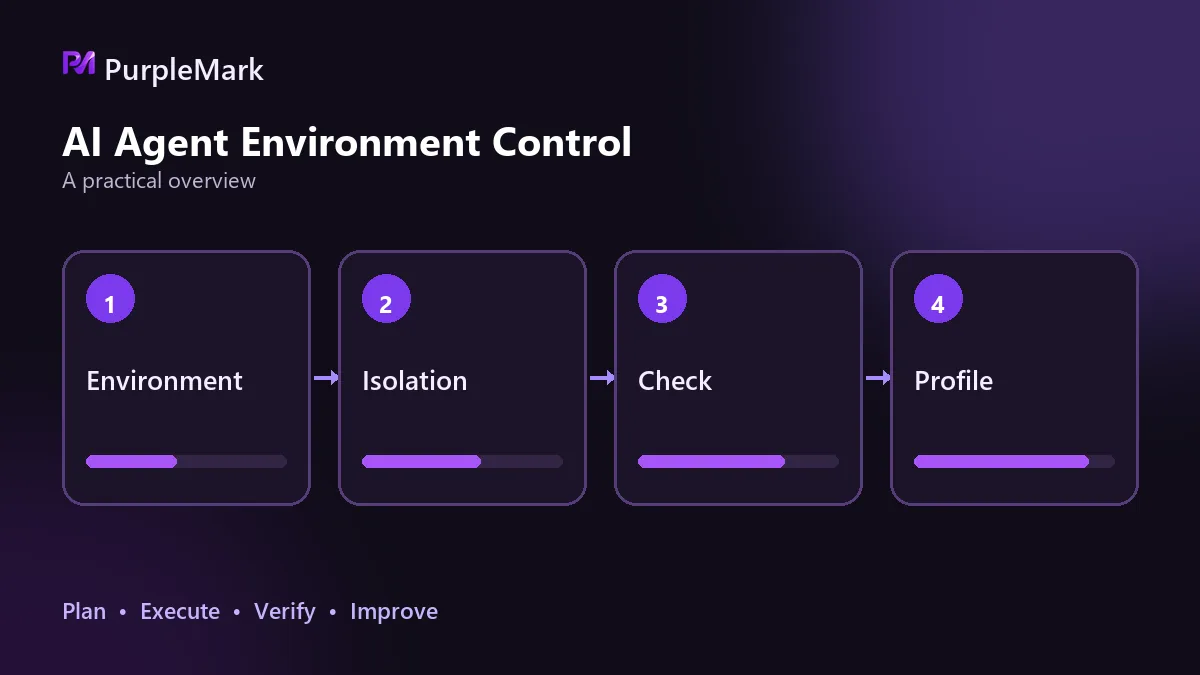
Starting before the environment is ready
When a newly created browser environment is used for a task immediately, common outcomes include login failures, incomplete page loading, or a verification prompt on the very first step. The reason is straightforward: the environment has no visit history, no cookies, and no browsing trail. To the platform, it looks like a completely unfamiliar device, so its trust level is naturally low.
The observable pattern is that failures are concentrated in the first few tasks after the environment is created. Move the same task to an environment that has been in use for a while, and it may complete normally.
The corresponding approach is to make environment readiness an explicit state instead of assuming the environment is usable by default. After creating an environment, let it perform some low-intensity browsing first, and only assign production tasks after its state stabilizes. The scheduler should check this readiness step before dispatching a task rather than using the environment immediately.
Several tasks competing for the same environment
As concurrency rises, the most obvious symptom is that processes pile up, memory is exhausted, and the system slows down. More troublesome are the hidden failures: two tasks use the same cookies and local storage one after another, task A invalidates task B's login state, and the logs make it look as though some random task occasionally fails. That is difficult to trace.
What is needed here is to treat browser environments as resources that can be acquired and released. A task acquires one environment when it starts and releases it when it finishes, with a one-to-one mapping between task and environment. Storage is not visible across environments, so the login state of one task does not leak into another. When scaling to dozens of Agents in parallel, the difference from simply launching many browser processes inside scripts becomes very clear.
If the scenario itself involves multiple accounts, isolation needs to go further: each account should have a fixed environment, and its fingerprint parameters and storage should not overlap with those of other accounts. PurpleMark provides this environment isolation and centralized scheduling layer so that accounts and environments can maintain a stable one-to-one relationship.
Session expiration goes unnoticed
This type of failure is easy to miss because it may not raise an error. The task keeps running and the logs keep printing, but the returned page is actually a login screen or the data is empty. The problem is only discovered after the result enters the data pipeline, and troubleshooting then has to work backward from downstream, which is expensive.
The solution is to treat login state as an explicit prerequisite. Before a task begins, confirm that the current session is still valid. If it has expired, run a complete login flow instead of letting the task continue with invalid state. The state itself should live in the environment layer: cookies, local storage, and browsing history are kept in the environment so they can be fully restored when it starts again, avoiding full reinitialization for every account task.
One practical observation: for long-running accounts, frequent login-state changes can themselves look abnormal to a platform and trigger additional verification. Avoid unnecessary re-logins whenever possible.
A block causes the whole batch to stall
Another failure mode appears suddenly in batches, with many tasks unable to produce results at the same time. The site may not return an explicit rejection. More often it serves degraded content or a blank page, and the Agent continues with meaningless data until the problem surfaces later in the data stage.
In this situation, the first step is to distinguish blocking from ordinary failure. If the same group of environments becomes abnormal around the same time, the problem is very likely at the environment layer. Continuing to retry will only widen the impact, so the affected environments should be stopped and isolated first, followed by investigation of the trigger.
Common triggers fall into three directions: multiple environments use highly overlapping fingerprint configurations, such as nearly identical WebGL, Canvas, font lists, or engine versions; the exit IP, time zone, and language do not match, such as a US IP paired with an Asian time zone; or action intervals are so regular that the rhythm itself becomes a recognizable pattern. Align the configuration, control the timing, and log both environment state and task results so warning signs can be seen before failures spread across a batch.
Separate this layer from the Agent
Mature projects usually separate the browser environment from the Agent and manage it as its own layer: the Agent handles planning and decisions, the environment layer handles identity and state, and the execution layer remains Playwright or Puppeteer. Once separated, there is a clear place to manage whether identity is credible, whether state can be restored, and whether tasks are isolated from one another.
Looking back, the four failure types above have one thing in common: they are not in the model, and they are not in the script logic. Models and code still need continuous improvement, but whether automation can keep running over the long term is often decided by this lower layer.
This content is shared for technical research and development practice. Automation should be used lawfully and compliantly, in accordance with the target platform's terms of service and applicable local laws and regulations.


