
Compare private browsing, proxies and VPNs, fingerprint browsers, and cloud browsers to see which layer of identification each one blocks and what multi-account operations really require.
Searching for anonymous browser recommendations usually brings up lists that mix private browsing, proxies, fingerprint browsers, and cloud browsers. All of them may be described as anonymous, but they do not block the same type of identification. Choosing the wrong one may not cause an immediate problem; it mostly wastes effort.
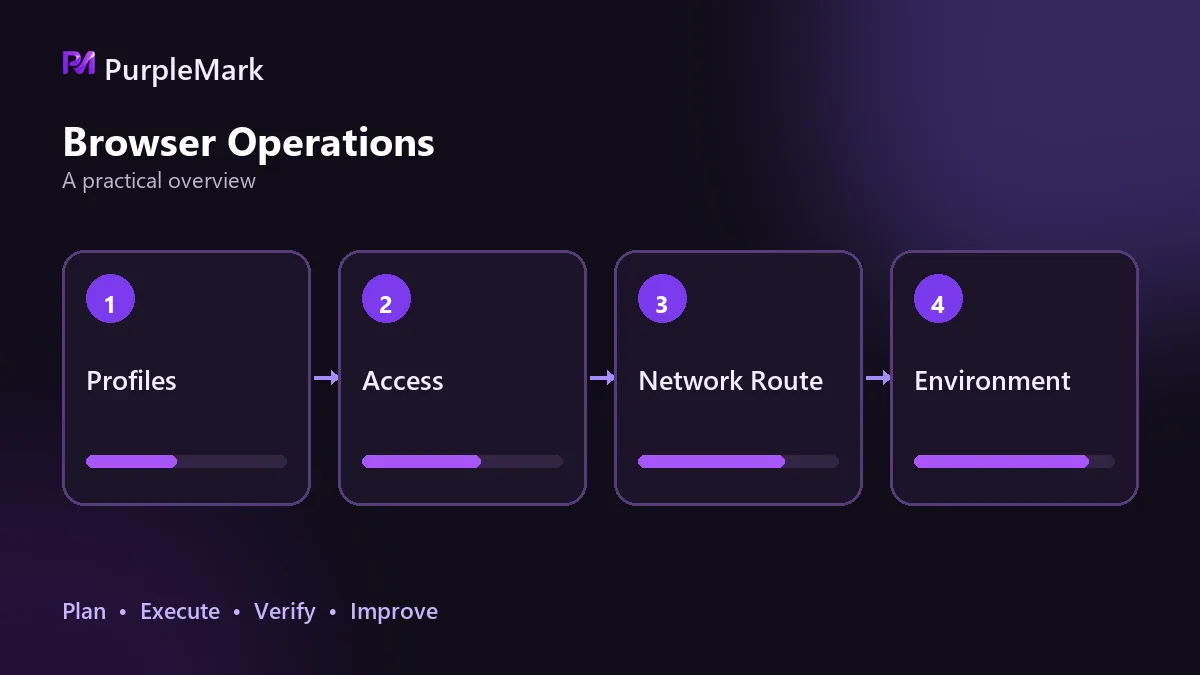
There Is More Than One Tracking Path
A website trying to recognize you has at least four kinds of clues available: the network exit address; device and browser characteristics such as time zone, language, resolution, fonts, and graphics-rendering results; Cookies and site data in local storage; and behavioral traces left after an account signs in.
The four approaches each cut off a different part of this chain. Where they intervene differs, so the remaining exposure differs too.
Private Browsing: Only Clears Local Traces
Incognito or private windows deal with data left on the current machine: history, cache, and Cookies are cleared when the window is closed.
They do not change the network exit or device characteristics. Open another private window on the same computer and the other side still sees the same device. In other words, private browsing can stop someone from inspecting traces on your computer, but it cannot stop a website from recognizing you.
Proxies and VPNs: Only Change the Exit
Traffic is first routed through another server and then sent onward, so the other side sees that server's address. That is essentially all that changes.
The device-characteristics layer remains untouched: language, time zone, fonts, and Canvas rendering results are still the same. Worse, a mismatch between the exit address and device characteristics can make you stand out—for example, an address in one country paired with a system time zone and interface language from somewhere else. Multi-layer encrypted systems such as onion routing hide the network path more thoroughly, but they are slower; after several relay hops, loading many pages can become cumbersome.
Fingerprint Browsers: Isolate the Environment
This category addresses device characteristics. The idea is to give each account its own environment: separate storage, with more than twenty parameters such as time zone, language, resolution, fonts, Canvas, WebGL, and audio generated for that environment, while the network exit can also be assigned individually.
The hard part is not generating parameters but keeping them stable over time. The parameters inside one environment need to make sense together, and the same account should keep using the same environment instead of switching constantly. Platforms look at whether the environment is consistent, not whether one particular login merely looks human.
Cloud Browsers: Move the Environment to a Remote Machine
The browser actually runs on a server, while the local device only receives the screen output and sends control input. Isolation happens naturally because the environment is not on your device in the first place; no local data is left behind, and switching computers does not affect it.
The trade-offs are latency and cost. Every action requires a network round trip, and the more instances you run, the more you pay. Also, a cloud-browser setup does not by itself decide what identity each instance presents externally; that still has to be configured separately.
Most Anonymous Browsers Do Not Change Device Characteristics
Looking at all four categories together reveals a common misconception: people install an ad blocker, enable anti-tracking, or switch to a search engine that does not log searches and assume they are anonymous online. These features mainly reduce the opportunities for tracking scripts to collect data. They mean less collection, while the identifiable characteristics of the device itself remain largely unchanged.
Platforms use cross-checking for association decisions. If fingerprints match, storage retains traces, or the same exit address keeps reappearing, any one of those signals can undermine the isolation work done earlier.
Choose Based on the Problem You Need to Solve
| What you want to solve | Matching approach |
|---|---|
| Avoid leaving browsing history on the local device | Private browsing |
| Only make a website see a different region | Proxy or VPN |
| Keep multiple accounts from being judged as the same operator | Fingerprint browser |
| Run the environment remotely and leave nothing on the local device | Cloud browser |
For operating multiple accounts at the same time, the sequence is to first keep each account's environment and storage isolated from the others, then bind each exit address consistently to its account, and only after that clean up local traces. Doing it in reverse leaves the easiest layer to recognize until the very end.


