
If the same prompts suddenly produce shorter, shallower answers, the model itself may not have become weaker. This article breaks the issue down into network egress, account status, and browser environment, then gives a practical troubleshooting order.
Using the same prompts, answers may have been detailed a while ago but now feel noticeably shorter and shallower, while code generation and image analysis may no longer work. This is often described as “degradation.” In many cases, the model itself has not become weaker; instead, the account may be receiving reduced access in the current network and browser environment.
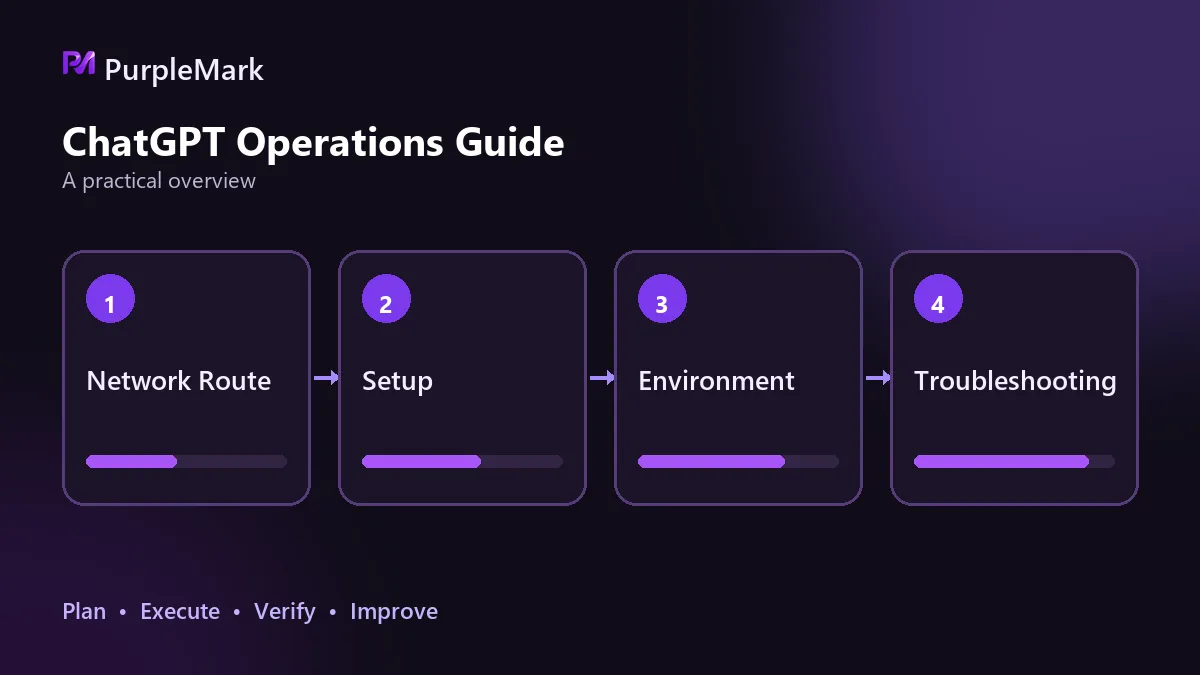
Network and egress factors
The first thing to question is the egress point. Nodes are shared by many users, so one IP can accumulate behavior signals from many accounts and may be more easily classified as abnormal traffic. Another possibility is that the IP already has a poor history or has appeared on a blacklist, causing later users to be restricted even when their own behavior is normal. A third, easily overlooked issue is region mismatch: the account is usually used in one country while the egress is in another, or the egress jumps among several countries within a short period. Either pattern can trigger security checks.
This type of problem is relatively easy to recognize. If the same account returns to normal after switching to a widely trusted clean egress, or if performance changes clearly when only the node is changed and the account stays the same, the network side is a likely factor.
Account factors
Another direction is restrictions on the account itself. Quotas such as daily request counts and concurrent requests are limited. A burst of questions in a short period can hit rate limits, making answers feel perfunctory or causing them to end quickly. There is also model routing: the platform may route requests to different model tiers based on account status, current load, or region, and those tiers can naturally differ in how much detail they provide. If the account previously had unusual logins, verification events, or restrictions, it may also remain in a limited state.
To test this, reduce the question frequency and ask the same question again after some time. Then run the same prompt with another account as a comparison. If the comparison account stays normal, the issue is more likely to be account-side than prompt-side.
Environment factors
Problems also occur at the conversation level. Long chats consume context, and after enough turns earlier content may be truncated. The model then cannot see the full information and may start drifting, repeating itself, or giving only conclusions. On the browser side, long-uncleared caches and cookies, interfering extensions, and frequent switching of the same account across multiple devices can all make the environment look less like that of a stable user.
The symptoms can be separated fairly clearly. If answer quality improves after starting a new conversation and removing a long history, the problem is likely at the session level. If the same device works normally in a different browser, the problem points more toward the local environment.
Where to start troubleshooting
Do not change several variables at once, because afterward you will not know which change made the difference. Use this order: first identify the egress IP and confirm that its address and location match what you expect. Next check the IP's reputation and whether it is classified as a data-center or high-risk address. Then examine the consistency of the login environment: are the time zone, language, and UA different on every login? Only after that should you consider changing the environment and signing in again.
Consistency matters more than frequent changes
One counterintuitive point is that using a different fingerprint on every login can look more abnormal than keeping one fixed. Real users do not change devices every day; risk controls look at whether an account consistently comes from the same environment. If you need stable long-term access to an AI service, keeping parameters such as time zone, language, and WebRTC fixed can be more stable than repeatedly changing environments. Tools such as PurpleMark provide the ability to give an account its own fixed, isolated environment.
The root of reduced access is often whether the environment appears trustworthy. The troubleshooting order is egress IP, IP reputation, environment consistency, and only then rebuilding the environment. Turning “different every time” into “the same every time” is often more useful than switching tools.


