
Fingerprint test pages show many values that websites can already read. These six checks help you spot inconsistencies across browser, system, region, network, and rendering data, because conflicting signals are often easier to detect than one unusual value.
Open almost any browser fingerprint test page and you will see a long list of fields: UA, screen, time zone, fonts, Canvas rendering results, and hardware parameters. Most people look first at the “uniqueness” score, but that is actually the least important part. What matters more is whether all these fields make sense together.
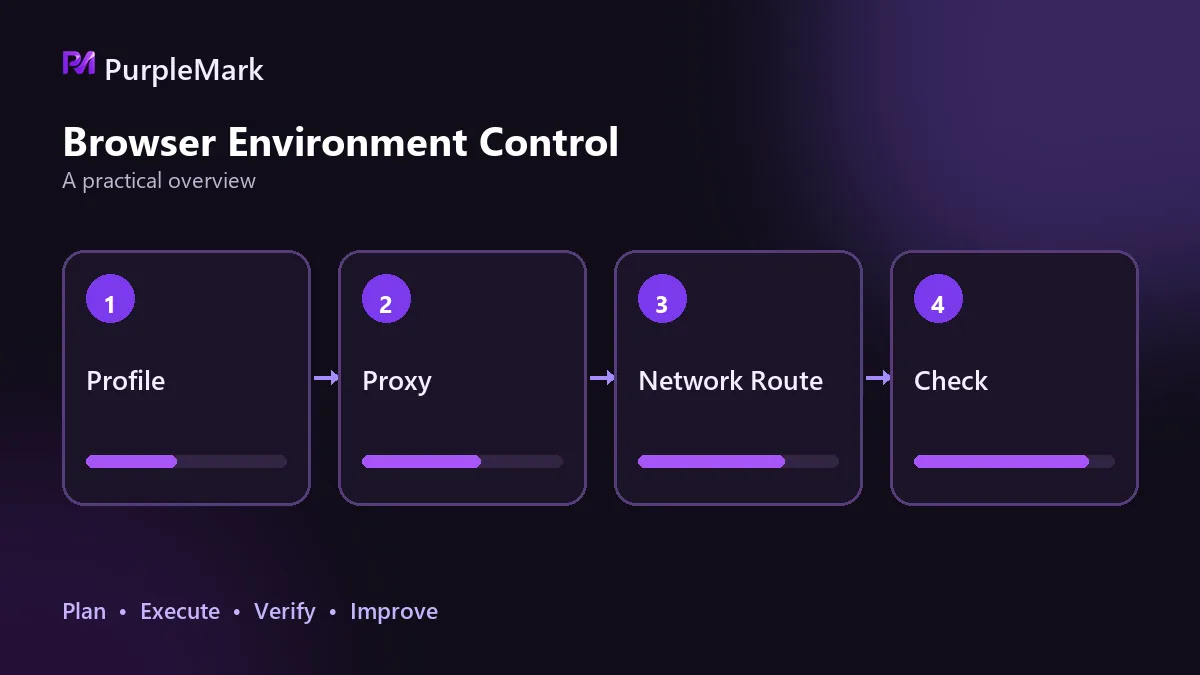
What websites can already read
A fingerprint is not stored like a cookie. You can delete or block cookies, or avoid them with private browsing, but a fingerprint comes from the configuration of the browser and device itself. The UA contains the browser type and version plus the operating system and version. Other signals include installed plugins, screen resolution and color depth, font lists, time zone and preferred language, CPU type, GPU model and memory size, IP address, ISP and connection type, and rendering results returned by HTML5 interfaces such as Canvas and WebGL. Together, these fields form an identifier that generally does not change when you switch IPs, clear cookies, or use private mode. Platforms use the same basic principle when judging whether accounts may be linked.
First, cross-check three items with the system
The User Agent is the best place to start because it is the browser describing itself. Copy the UA from the test page, then verify the browser version in the browser settings and the operating system version in system settings. If the system or kernel version declared by the UA does not match the actual machine, or is clearly behind commonly used current versions, that is one of the easiest inconsistencies to spot.
The time zone should match the region of the network exit. Fingerprint tests usually show the current time zone directly, and a simple time-zone query script returns the same value. Also use any IP lookup page to check where the exit IP is located. If the two point to different regions, the mismatch needs attention.
Language and region are weak signals on their own, but useful in combination. Check the list returned by navigator.language and navigator.languages, then compare it with languages commonly used in the exit region. A U.S. time zone, Chinese language settings, and a European exit are more noticeable together than any one item by itself.
Screen, network exit, and rendering characteristics
For screen and hardware parameters, check two things: whether the values are common and whether they fit the device type declared by the UA. Resolution, pixel ratio, available screen area, CPU core count, and memory can be reviewed together. A phone-sized resolution paired with a desktop UA is a classic contradiction.
WebRTC should be checked separately because it can expose real network information. Test pages usually list it as a separate item. Look for a local network address, such as one beginning with 192.168 or 10, or for the real public exit address. If a proxy is enabled but the real address still appears, that traffic is not going through the proxy. This deserves the highest priority.
For Canvas and WebGL, check whether the returned values are stable and whether they are consistent with the declared GPU model. One detail matters: if several environments running side by side on the same machine return exactly the same rendering values, they can be linked more easily than if the values include some variation or noise.
Contradictions stand out more than imperfect realism
Platforms do not require every device to be completely unique. They are trying to decide whether the information looks like it came from a normal machine. One value that is not especially “realistic,” such as an uncommon resolution, is usually only a weak signal. When several fields contradict one another, the inconsistency becomes much easier to detect. A UA says Windows while the font list looks like macOS; the time zone says the United States, the language is Chinese, and the exit is in Europe; the resolution looks like a phone while the UA says desktop browser. Any one of these can outweigh a lot of fine-tuning elsewhere. That is why the first step in a self-check is to find hard contradictions before worrying about parameter precision.
If you only want to fix three things
WebRTC leakage comes first because it exposes real network information. Second is keeping the time zone and language consistent with the exit region, since that combination can easily accumulate into an abnormal profile. Third is handling Canvas and WebGL so the same machine does not directly expose a stable, unique rendering value.
There is also a practical boundary: disabling or restricting JavaScript can block some collection, but it noticeably reduces website usability. Privacy-focused browsers include some protections and are often enough for everyday browsing, but they are less flexible when you need to maintain multiple unrelated identities over a long period.
How to maintain multiple environments
The goal is not to generate a completely random fingerprint every time. Each environment should stay internally stable while remaining distinct from the others. With PurpleMark, create a separate browser environment for each account, handle parameters such as Canvas independently, and then use a fingerprint test page to check each environment for consistency. An environment that passes this review is the one worth keeping for long-term use.
In the end, fingerprint testing has only two purposes: see what you are exposing and confirm that the information is internally coherent. Uniqueness is the part you should worry about least.


