
Telegram does not prohibit multiple accounts in itself, but each account must be tied to a separate phone number and abusive behavior is what gets restricted. This guide explains the platform’s practical stance, the session and security issues that appear when running multiple accounts, and the main boundaries for compliant use.
Telegram has more than 750 million monthly active users, and many cross-border teams use it for customer service, group operations, and campaign notifications. Assigning one account to each market or business line is a common setup. Multiple accounts are not the problem by themselves; how they are used is what matters.
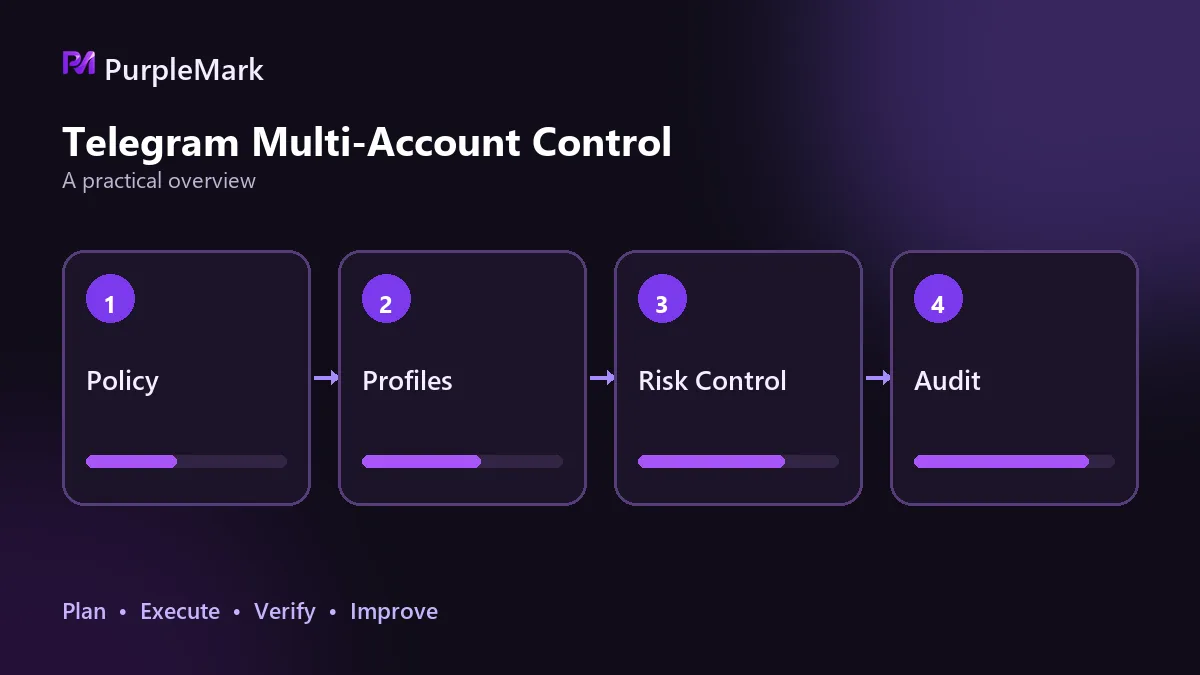
What the platform allows and what it does not
The Telegram client lets you sign in to multiple accounts at the same time and switch between them. The same account can also stay signed in on mobile, desktop, and web simultaneously, and the session list shows logged-in devices so you can terminate them at any time. The platform has never explicitly prohibited having multiple accounts side by side.
However, each account must be linked to a separate phone number, with one number corresponding to one account. The source of the number must stand up to scrutiny: registering with numbers obtained in bulk or temporary numbers is itself a violation, and those numbers can be reclaimed at any time, making a lost account extremely difficult to recover.
What gets restricted is not the number of accounts, but abusive behavior. Joining many groups in a short period, messaging strangers in bulk, or receiving reports from multiple people can limit account functions; serious cases can lead to a direct ban.
The real problems you run into after going multi-account
Session conflicts are one of the first issues. A phone number is the account’s unique identifier, so the same number cannot be split into two accounts. When you keep switching inside one client, it is easy to send a message from the wrong account.
Notification confusion comes next. Notifications from several business lines pile into one list, while customer direct messages and group messages are mixed together, making replies to the wrong person hard to avoid.
Account security also depends on the environment. When several accounts share one computer and browser, cookies, cache, and autofill data can bleed across sessions. If team handoffs are poorly managed when members change, access to an account can be lost altogether. This is one of the most underestimated costs of running multiple accounts.
There is also the issue of account correlation. If several accounts log in through the same outbound IP in a short time, share the same device fingerprint, and follow concentrated activity patterns, it is not difficult for the platform to group them together.
Behaviors most likely to trigger restrictions
Concentrated login times and frequency, rapidly joining many groups, frequently leaving groups, and sending bulk messages or forwarding links in a short period are all key risk-control signals when they appear together. A proxy exit that is already on a risk list can also affect the account.
New accounts in particular should move slowly. Browse, chat, and join only a small number of groups first instead of immediately joining groups and sending ads. This period of natural use is recommended to last at least 3–7 days.
After a ban, there are two possible outcomes: a temporary restriction, which can be lifted after time passes or an appeal succeeds; or a permanent ban, which is generally unrecoverable unless you can prove it was a mistake. That is why normal account behavior and stable outbound connections deserve attention before problems happen.
How to use multiple accounts compliantly
At the account level, give each account its own isolated environment and a stable outbound connection, with no environment shared between accounts. The outbound region should match the market the account serves.
At the operations level, spread out the timing of logins, group joins, and messages instead of processing every account in the same time window.
For promotion, send bulk messages only where they are expected: in groups that allow promotion or to people who have already interacted with you. Bulk messaging people who did not agree to receive it is a major source of bans and reports.
Another point is easy to overlook: do not use automation scripts to manufacture activity. Automated group joining and automated bulk messaging are behaviors the platform focuses on detecting, and when something goes wrong, the account itself pays the price.
Once the number of accounts grows, relying on memory to track which account belongs to which environment is unrealistic. Tools such as PurpleMark provide isolated environments and multi-account management so each account stays fixed to its own environment and outbound connection, keeping account boundaries from affecting one another.
Whether multi-account operations can last does not depend on how many accounts you have, but on whether each one behaves like an independent, normal user.


