
The same documents can produce very different results across markets. Choose the right business type, prepare the required credentials, complete review and store setup, and avoid the most common causes of rejection.
TikTok Shop registration itself is not complicated. The real challenge is that rules vary widely by market. A document set that passes in one market may be rejected in another, and even within the same market, individual and company stores may require different materials.
So the first step is not scanning documents. It is confirming the current rules for your target market and deciding which type of store you will open.
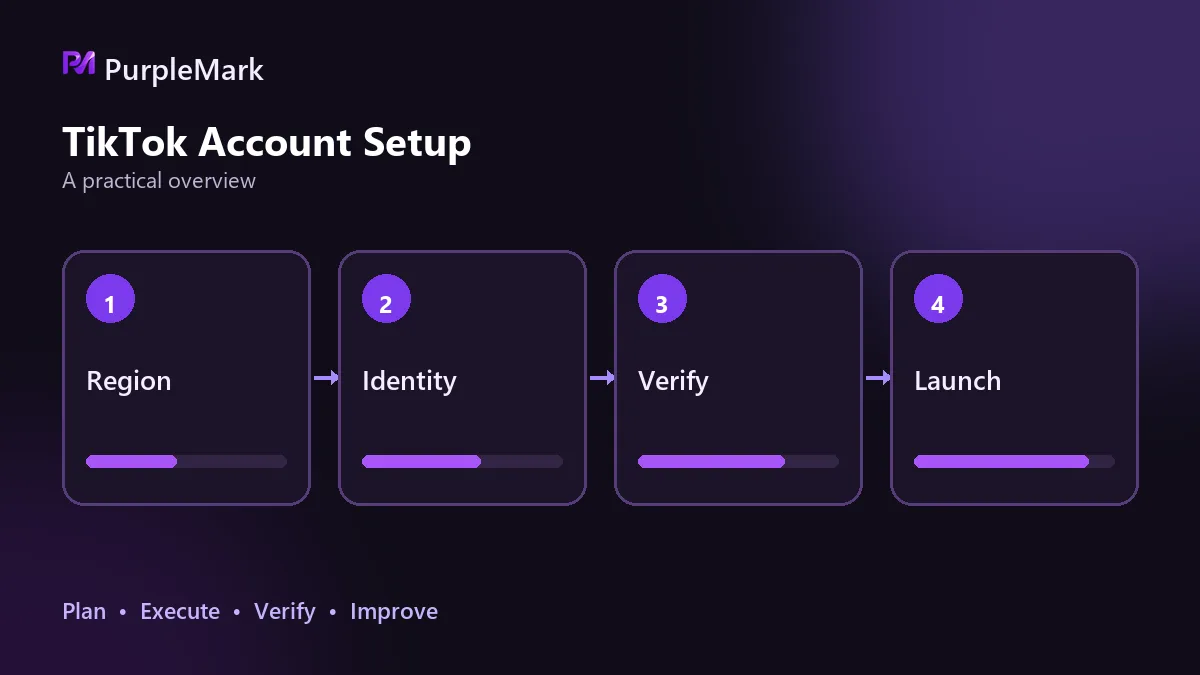
Choose the business type before preparing documents
Store types generally include individual, sole proprietorship, company, and partnership. Your choice determines what you must submit later. Individual stores usually have a lower entry threshold, while company stores can support more business activities but require additional corporate credentials. Before choosing, check whether the market has special requirements for the entity's place of registration or the location of the payout account. Some markets accept overseas entities, while others require a local entity or local payout account. If this is wrong, complete documents still will not pass review.
Qualification checklist
| Category | Documents |
|---|---|
| Business entity | Business license and other entity qualification documents |
| Legal representative identity | Valid identification for the legal representative, such as a passport or driver's license |
| Tax information | Company tax ID or personal tax ID |
| Store information | Store name, main category, and contact details |
| Brand qualifications | Proof of the authorization chain when selling branded goods |
| Payout account | Payout account information corresponding to the entity |
Details differ between individual and company stores. An individual store usually needs the legal name, date of birth, and residential address. A company store needs the company name and tax ID, plus the legal representative's name, date of birth, and address. Some markets also request the last four digits of the representative's tax ID. The company name must match the registration certificate exactly; even a small difference can cause rejection.
Store name and main category: check two things before submitting
Store names have clear restrictions. Words such as “flagship” or “official” cannot be used, and names may use letters only, with no numbers or special characters. Many applicants get stuck repeatedly changing the name, although checking the rule before submission can avoid the problem.
The category matters even more. If you discover after submission that you selected the wrong one, you may need a manual request to change it. That can take time, and products may not be listed normally in the meantime. First check the admission requirements for that category in the market, then decide what you will focus on selling.
Where review commonly gets stuck
Rejections tend to come from three areas, and most are related to inconsistent information.
First, entity information does not match. The name on the business license, the legal representative information, and the payout account holder must correspond. If any one of them does not match, review can stop.
Second, category qualifications are missing. Categories such as electronics, beauty, and mother-and-baby products often require extra certifications. Check this before listing; do not stock inventory first and try to add credentials later.
Third, the payout account does not match. If the account's country or region is inconsistent with the store entity or target market, settlement problems may occur even after review is approved.
Review time depends on document completeness and the market's review volume at that time. Submissions with complete and consistent information are usually processed faster. If rejected, the platform will state the reason, and you can correct the issue and resubmit as instructed.
One point should be clear: borrowing another person's identity documents or buying and selling ready-made stores violates platform rules and may also create legal and tax liabilities. If the account is investigated later, there may be little room to appeal. Completing the process with your own genuine personal or company entity is the only prudent path.
Settings to complete first after the store opens
Do not rush to list products as soon as the store is activated. First complete the store profile, logistics plan, and return address, because these directly affect fulfillment and dispute handling. Then list a small number of products and run through the full process. Confirm that price, inventory, and shipping fees are calculated correctly before uploading products in bulk. Follow platform rules for content and livestreaming, and focus first on making the operating workflow run smoothly.
Environment management for multiple stores
Sellers operating across multiple markets or categories often run several stores at the same time. Keep separate account information and contact details for each store. Isolate the login environment for each store: repeatedly switching among multiple stores in the same browser environment can trigger security verification and may lead to association judgments. Keep the environment's time zone and language aligned with the store's market. For team collaboration, assign store permissions by member and retain operation records.
PurpleMark's multi-account environment capabilities can save the login state of multiple store backends separately and manage them centrally. This reduces the cost of repeated logins and can also reduce risks caused by environment crossover between accounts.
Frequently asked questions
Do you need a local company? Requirements vary by market. Some accept cross-border entities, while others require a local entity or local payout account. Follow the platform's official seller recruitment guidance.
How many stores can one entity open? The platform has corresponding policy limits, so check the current rules first. If you truly need to operate multiple stores, account and environment separation must be maintained.
Do the rules change? Yes, and not slowly. Before preparing documents, review the official seller recruitment guidance; it is more reliable than secondhand tutorials.


