
Explains where X draws the line on multiple accounts, what contact, network, and device details to prepare before signup, why registrations are commonly blocked, and which habits help accounts remain usable long term.
Owning multiple X accounts as one person is not, by itself, prohibited by the platform rules. The real red line is bulk creation and automated registration: the rules allow multiple accounts, but they do not allow scripts to create accounts in batches, nor do they allow accounts to be bought, sold, or transferred. Understanding that distinction matters more than looking for ways around controls, because once activity is classified as platform manipulation, the impact often extends beyond a single account.
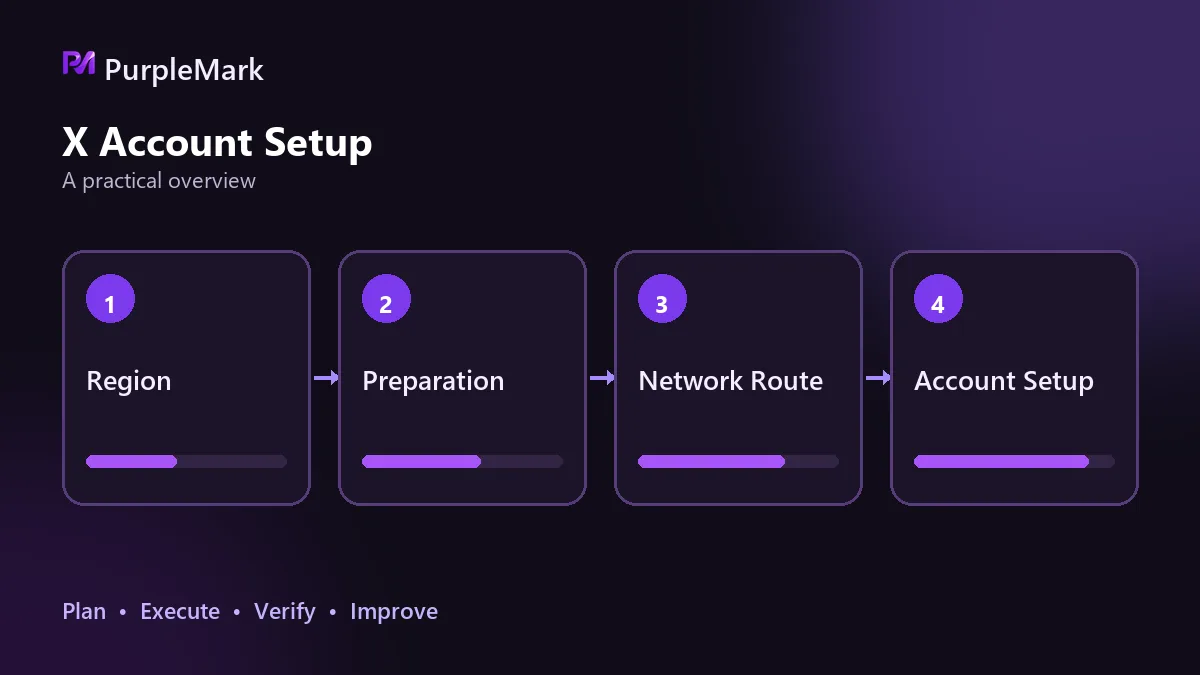
Start by defining the rule boundaries
X's terms prohibit bulk account creation, automated registration, and buying, selling, or transferring accounts. Its spam and platform-manipulation rules also cover these behaviors. Holding several accounts for different brands, languages, or testing purposes is not inherently a violation; what matters is how the accounts are obtained and how they are operated afterward.
There is also a hard constraint: every account needs separate contact information. A phone number can verify only a limited number of accounts, and changing devices or networks does not remove that limit. Using temporary numbers or third-party SMS-receiving services to complete verification is explicitly prohibited by the platform. Even if an account is created successfully at first, ownership can be difficult to prove during a later appeal, and a single incident can result in the loss of an entire group of accounts.
What to prepare before registration
On the surface, the required items are a display name, profile image, bio, linked email address or phone number, and password. The task that deserves more attention is keeping a record for every account: note the account name, linked email address, linked phone number, and registration time. The reason is straightforward. Reusing the same email address across different accounts is one of the easiest association signals to detect, and it is also troublesome if you cannot retrieve the correct details when re-verification or an appeal is needed.
The profile details should also vary. Multiple accounts sharing the same bio, profile image, and name create obvious association signals, so there is little benefit in reusing the same set of information.
The network and device layers
X looks at the IP address used when an account logs in. When multiple accounts repeatedly use the same outbound connection, the chance of being flagged for suspicious activity increases. A typical trigger is registering a batch of accounts at the same time from one office network. Giving each account a separate network exit so that it has its own network identity is a basic requirement.
The device layer is even easier to overlook than the IP address. A browser fingerprint combines information such as the operating system, browser type, fonts, extensions, and Canvas rendering. If several accounts use the same browser, their fingerprints, cookies, and cache remain highly similar even when the IP changes, so the platform can still see them as the same person on the same device. A more reliable setup for multiple accounts is to give each account a separate browser environment with its own fingerprint and storage, plus a separately assigned proxy. Environment isolation addresses this shared-origin problem. PurpleMark allows each environment to configure its proxy and device parameters independently, so multiple accounts on one computer do not affect one another.
Common reasons registration gets blocked
The first category is contact information: the email address or phone number is already linked to another account, the email address cannot receive messages properly, or the phone number has been used for verification too many times. These issues can be checked before submission, and repeated attempts do not help when one of them is present.
The second category is the environment. A heavily shared data-center IP range, an obvious mismatch between the exit region and the account information, or a proxy dropping during signup and causing an IP change can all look abnormal. Before submitting, you can use a checking tool to verify whether the IP is widely shared and whether the outbound location is stable.
The third category is behavioral patterns. Registering many accounts on the same day, having multiple accounts follow the same people during the same period, or posting highly similar content can produce interaction patterns and content overlap that are classified as platform manipulation. When that determination is made, restrictions often affect a group of accounts at once rather than only the most active one.
Habits that help accounts stay usable
Spread registration and interaction activity over time instead of doing everything in one day. New accounts commonly have limited functionality at first, so complete the profile, browse normally, and gradually join conversations before thinking about publishing content or running promotions. Keep separate records for every account, do not mix verification details, and do not reuse the same name and profile-image template everywhere. If verification is requested, follow the official on-page process instead of looking for a workaround, and do not buy ready-made accounts. An account of unknown origin can be recovered at any time by the original holder through its linked information, which can turn the purchase into a complete loss.
Long-term use of multiple accounts depends on keeping verification information, network exits, and browser environments separate, while also avoiding an artificially concentrated operating rhythm. Once the rule boundaries are clear, the rest comes down to consistent execution.


