
Choosing a browser environment for an AI agent is not about whether it can connect to a debugging interface. Evaluate task type, isolation, controllability and observability, and integration cost, then verify each item with a practical checklist.
When teams choose a browser environment for an AI agent, the first step is often to try connecting to a debugging interface. If the connection works, they assume the environment is usable. That bar is far too low. Connectivity is only the entry ticket; whether a task can run reliably over time depends on what comes next.
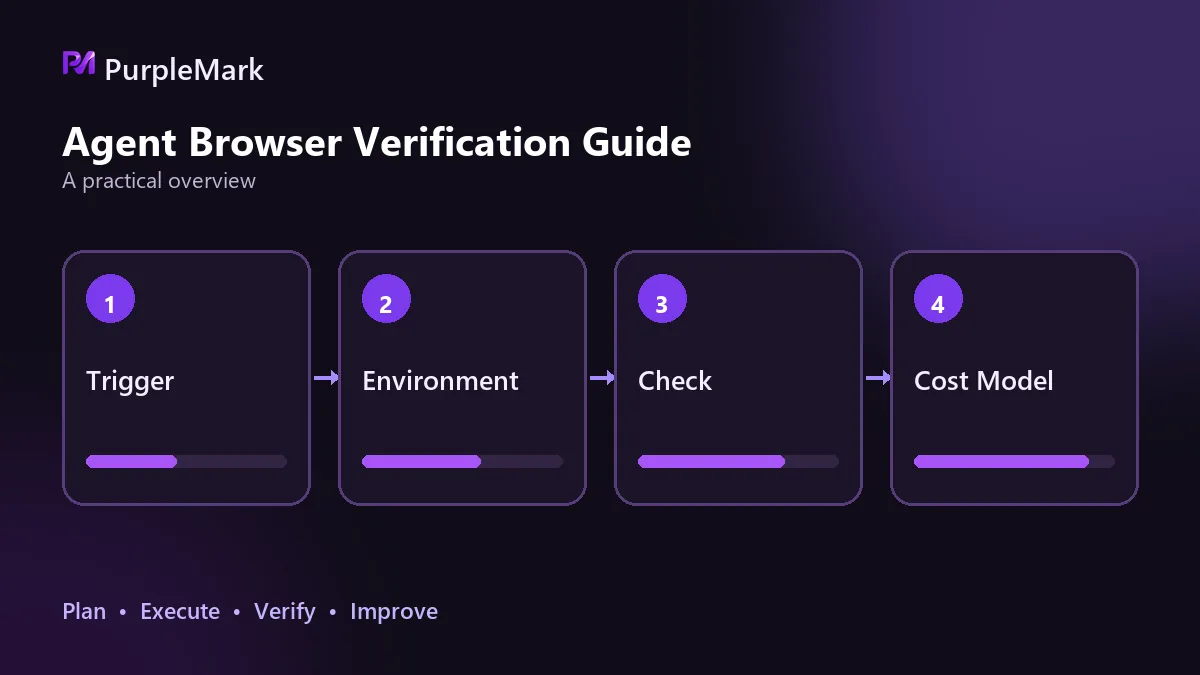
Start by identifying the type of task
Single-page deterministic operations. Open one page, fill in a few form fields, click a button, and read the result. These tasks have the lowest environmental requirements. A standard browser plus an automation library is usually enough, with no need for an additional management layer.
Multi-step cross-site workflows. A task moves between multiple sites while keeping the user signed in, carrying cookies, and preserving the same device identity. At this level, the environment starts to matter: identity must persist, sessions must not contaminate one another, and failed steps must be rerunnable.
Tasks that require semantic understanding. The model reads page content and then decides what to do next. Failures here are often caused not by the model but by the page returning a degraded version, presenting a human-verification challenge, or changing its structure because the environment exposes obvious automation characteristics. The stability of the environment directly determines whether the model receives the right input.
This step cannot be skipped. Applying a single-page mindset to cross-site workflows leads to repeated problems, while wrapping a simple task in a heavy infrastructure stack is equally wasteful.
Let scale determine isolation requirements
With one identity running at low frequency, isolation is not a major concern. Once multiple accounts or identities are operated at the same time, isolation becomes a hard requirement, and three layers must be considered together: browser fingerprint, cookies and local storage, and network egress.
Problems get worse when those three do not align. A clean fingerprint may still look suspicious if the network location conflicts with the timezone or language. One practical lesson is worth remembering: IP is only one part of how access origin is assessed. Device information, cookies, and local storage also contribute, so simply changing the IP is generally not enough in multi-account scenarios.
Controllability and observability
Controllability means the environment can be managed end to end by software. Creation, startup, status checks, shutdown, and reclamation should each have an API instead of leaving one step that requires a person to click through an interface. If any stage needs constant human attention, the system will not scale.
Observability means being able to locate failures. Agents run unattended, so you cannot watch what is happening on the page; often, only logs remain. At a minimum, after simulating a connection failure or an environment startup failure, the logs should contain enough information to identify the specific failing stage. Otherwise, troubleshooting turns into guesswork.
Integration cost is more than development time
Clarify a few things: whether the environment must integrate with the existing task scheduler; whether it should be retained or released after a task finishes; whether there is an existing interface compatible with the automation library already in use; and who will maintain this layer day to day. Development effort is often not the largest cost. Ongoing maintenance is.
A validation checklist you can follow
Start two environments at the same time, visit the same detection page, and compare whether the returned device characteristics differ; sign in within one environment and verify that the other environment's session is unaffected. Create an environment, sign in, close it, then start it again and check whether login state and local data are fully restored. Use a script to run the complete lifecycle from creation to deletion and verify that every stage has an interface. Gradually raise concurrency to 20, 50, and 100, then observe startup success rate, memory usage, and whether failures can be retried and reclaimed automatically. Simulate a fault and check whether the logs identify the specific stage. If teamwork is involved, confirm that role-based permissions and operation audit trails are available.
A practical decision rule
For one account, low frequency, and short-lived tasks, a standard browser plus an automation library is enough. Treat the browser environment as an independent layer when any of the following applies: multiple accounts must run in parallel without interfering with one another, tasks need to keep sessions signed in for long periods, concurrency will continue to grow, or multiple team members need to collaborate. PurpleMark provides this layer by turning browser environments into isolated, persistent resources that can be scheduled through interfaces, so the agent can focus on the task logic itself.
For technical research and development practice only. Use it in accordance with applicable laws and regulations.


