
Claude registration failures usually fall into four categories: unsupported region, flagged network egress, unsuitable payment method, or suspicious registration behavior. This article explains each cause and the compliant response.
Many people fail to register for Claude, but the reasons usually fall into four categories. Some are policy issues, meaning registration should not be attempted in the first place; some are environment issues that you can fix; and some are behavior issues with only one solution: follow the platform's rules. Separating these four categories is more useful than simply trying the form again.
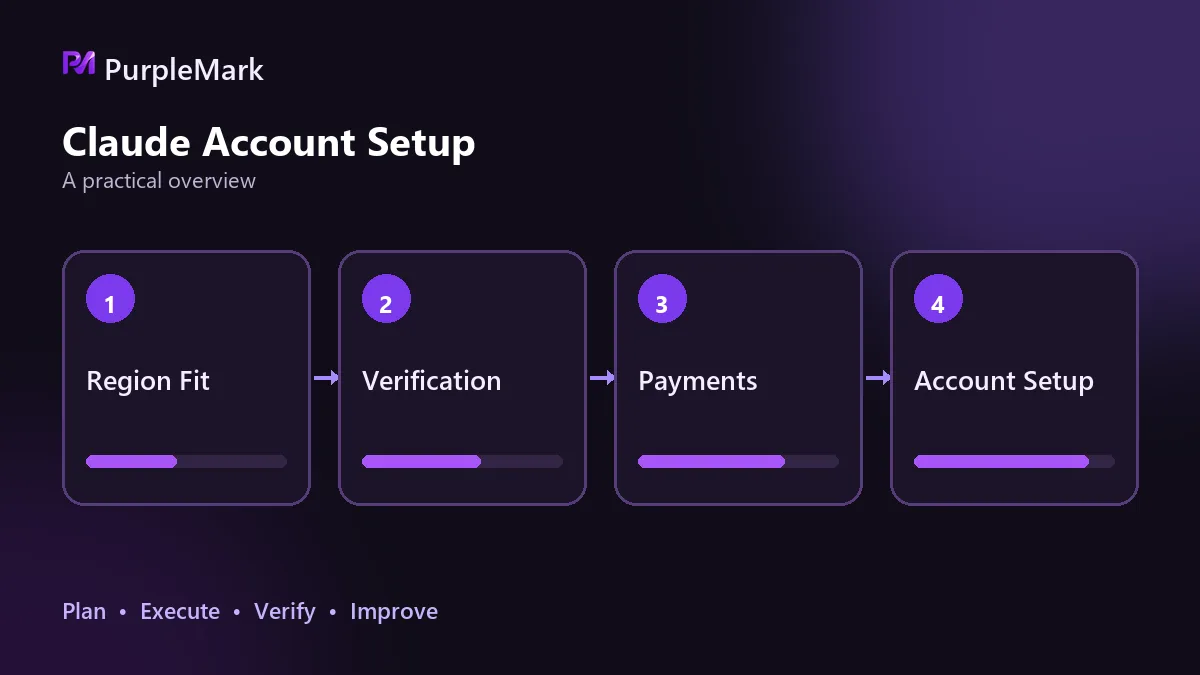
Your region is not supported: this is a policy issue
Claude provides service by region, and its terms list the supported locations. If your region is not on that list, the registration entry point itself is unavailable; repeatedly changing email addresses or devices will not change that.
Using another route to bypass a regional restriction means evading regional policy. The account may be reclaimed at any time, and subscription fees are not guaranteed to be refunded. The compliant direction is to follow the regional policy: wait until the region is supported, or use an officially supported Team or Enterprise plan.
A flagged network egress leads to more verification
The registration process considers where requests come from. Shared egress, data-center IPs, and IP ranges that have been heavily abused are treated as high risk by default in risk-control systems. Registrations submitted through such egress are more likely to trigger additional verification or be rejected outright.
Frequent cross-region changes in egress are also obvious. If a connection appears in the United States one minute and another country the next, while DNS or WebRTC leaks the real location, the system may classify the visit as behavior that does not match a genuine local user.
The compliant response is to return to a normal network environment: home broadband or an office network, with stable egress that matches the region indicated by the account information, time zone, and language. Avoid jumping back and forth between regions. This is not a registration trick; it is a foundation for long-term account stability.
The payment method does not meet requirements
Paid products have explicit requirements for payment methods. Heavily reused numbers, cards of unclear origin, or cards that have been flagged can cause registration to stop at verification. Even if they happen to pass initially, subscriptions and renewals may be blocked later.
Using the same payment method on multiple accounts also links those accounts. If one develops a problem, the others may be reviewed as well. The compliant approach is to use a payment method in your own name that can be used long term and pass verification, with one payment method tied to only one account.
The registration behavior itself looks suspicious
Submitting registrations for multiple accounts from the same environment in a short period, or using scripts to auto-fill and auto-submit, can be treated as bulk registration. The verification steps that require human judgment are designed in part to distinguish this kind of behavior.
Once this behavior triggers restrictions, the response may go beyond rejecting the current registration. Existing accounts in the same environment may also be placed under observation.
The compliant approach comes down to these points
- First confirm that your region is within the service area. This is a hard requirement; if it is not supported, wait or use an officially supported option;
- Use your real information and contact details that you can use over the long term, and keep the information consistent;
- Keep egress stable and aligned with the region of your account information, browser time zone, and language; do not jump between regions;
- Use one number and one payment method for one account only; do not reuse them;
- After registration succeeds, use the service at a normal pace instead of immediately making high-frequency calls.
After registration, stability matters more than tricks
Registration is only the first step. A common problem during use is being asked to verify again and again, usually because the environment changes: egress jumps between countries, the browser time zone or language does not match the egress, or the same account is rotated across multiple devices. To keep an account stable over the long term, keep it in one consistent environment and on one egress instead of letting it move around. If you need to manage multiple accounts at the same time, sign into each with its own independent, fixed browser environment. Environment-isolation tools such as PurpleMark are designed for this purpose.
In addition, the terms explicitly prohibit connecting a subscription account to unauthorized automation scripts or third-party tools. This follows the same logic as the registration rules: use the account normally when it is available, rather than turning it into bulk usage through something run on your behalf.


