
The usual digital marketing problem is not too few tools, but overlapping tools that do not connect. This guide breaks down research and selection, asset creation, campaign management, attribution, and customer communication, explaining the capabilities each stage needs and how to spot duplicate spending.
The most common waste in digital marketing is not failing to buy tools, but buying overlapping ones. Two tools may both schedule posts, while data from three channels is stored separately; by month-end, manually reconciling reports can cost more than the subscriptions. The right order is to identify the workflow stage that hurts most, then check whether a candidate tool can fill that gap.
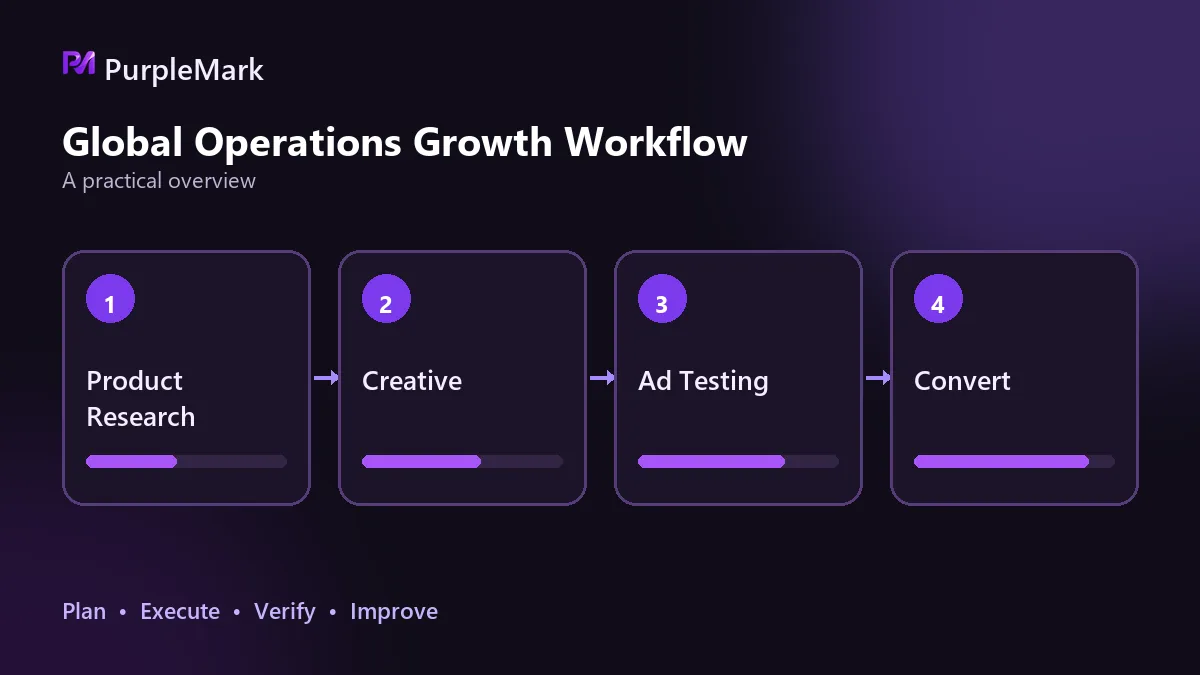
When the workflow is separated into stages, each stage needs different capabilities.
Research and Product Selection
This stage needs data at a level of detail that supports decisions. Keyword research should show search volume and click data, related terms, and long-tail keywords; competitor analysis should cover backlinks, ranking changes, and content direction; affiliate marketing also requires checking whether advertiser categories on affiliate platforms match your audience.
The key is granularity: can ranking comparisons be split by subchannel, is the data estimated or measured, and is the update frequency high enough for decisions? A tool that only gives an overall score without details may be fine for topic ideation, but it is not enough for product selection.
Asset Creation
Treat images/text and video separately. For visual and written assets, check whether templates can be adapted to your brand style, whether a brand kit can keep multiple accounts visually consistent, and whether multiple sizes and formats can be exported at once.
Video tools fall into two tracks depending on the user's skill level. Online template tools rely on drag-and-drop editing, stock asset and music libraries, and one-click social distribution, making them suitable for fast production. Professional editors provide multicamera editing, color control, multitrack audio, and batch export for long-term content production with higher quality requirements. Do not overlook website builders either: they center on content management, so selection should focus on how extensible themes and plugins are and how easily new site functionality can be added.
Campaign Management
This stage covers social media, email, and paid advertising. All three require scheduling, segmentation, and trigger conditions. For social media, check whether publishing schedules can be managed centrally and whether assets and interactions are handled in one place. Paid advertising platforms are management tools themselves; core capabilities include keyword and audience settings, multiple ad formats, control over timing and frequency, and conversion tracking.
Email is an owned channel with relatively high conversion potential. Needed capabilities include template and landing-page editing, automated workflows triggered by user behavior, segmentation tags based on source and behavior, and delivery and open-rate feedback. When selecting a tool, prioritize how easily automation can be configured and how granular segmentation can be, because these directly determine how far later optimization can go.
Data Attribution
Attribution separates stronger tools from weaker ones. Whether conversion tracking can connect with your own data determines whether optimization stops at clicks or reaches actual sales. Once connected, the same conversion data can support both ad optimization and retrospective analysis of content topics.
Details to check include whether channel data can be exported, whether tracking parameters can use a unified naming system, and whether commissions and subchannel performance for email and affiliate channels are visible. Usage limits should also be assessed early. Free plans typically cap scale metrics such as pages crawled or accounts managed, so projects with large sites or many accounts should calculate these limits during selection.
Customer Communication
The consultation stage needs a responsive chain: live chat, chatbots, message automation, and customer data management. The key question is whether it can connect with earlier acquisition channels. If leads sit in Tool A, conversations in Tool B, and orders in Tool C, support staff must open three pages to understand one customer, and efficiency is lost to switching.
How to Avoid Duplicate Purchases and Wasted Spend
Duplicate buying usually happens not because features overlap by accident, but because no one has inventoried what each workflow stage already uses. Regularly list tools by stage and keep only one tool for the same capability; this is the most direct cost optimization. When deciding what to keep, actual usage frequency matters more than plan tier, because many paid allowances go to modules that almost nobody opens.
Three criteria help. Buy for gaps, not rankings: identify the most painful stage and only fill that stage. Prefer tools that connect: the ability to move data through APIs or native integrations matters more than any single feature advantage. Include account and environment costs: when operating many platforms and accounts, separate browser environments and proxy management become long-term operating infrastructure, so their cost at scale should be evaluated during tool selection rather than added only after account problems appear.
Teams that maintain multiple accounts over time and collaborate across members can use multi-account environment tools such as PurpleMark to place accounts, browser environments, proxy configurations, and member permissions in one workspace. This helps keep the relationship among accounts, environments, and network exits stable while retaining traceable operation records. Environment isolation only prevents technical interference, however; platform rules on account quantities and identity still remain the prerequisite.
Frequently Asked Questions
Does a small team need a tool for every stage? No. Add tools gradually in the order of content production, distribution, conversion, and review. Introduce only one or two at each stage and first use free allowances to verify that the workflow works.
Are free tools enough? They are enough for validation. Free plans usually impose limits on quantity or scale, so upgrade to paid plans after business volume grows.


