
Preparing to earn money online from overseas can be split into five capabilities: communication, payments, content, task management, and accounts and environment. This guide explains what each one solves, when to add it, and why buying every tool at once is usually unnecessary.
What often holds people back from earning money online internationally is not English ability or professional skill, but incomplete preparation: a task window may be open for only a few minutes and disappear because the connection lags, you may reach payout only to learn that your payment method is unsupported, or several accounts may share one device and all become restricted at the same time.
More tools are not automatically better. A more practical approach is to group preparation by capability, understand exactly what each category solves, and then identify what you are missing right now.
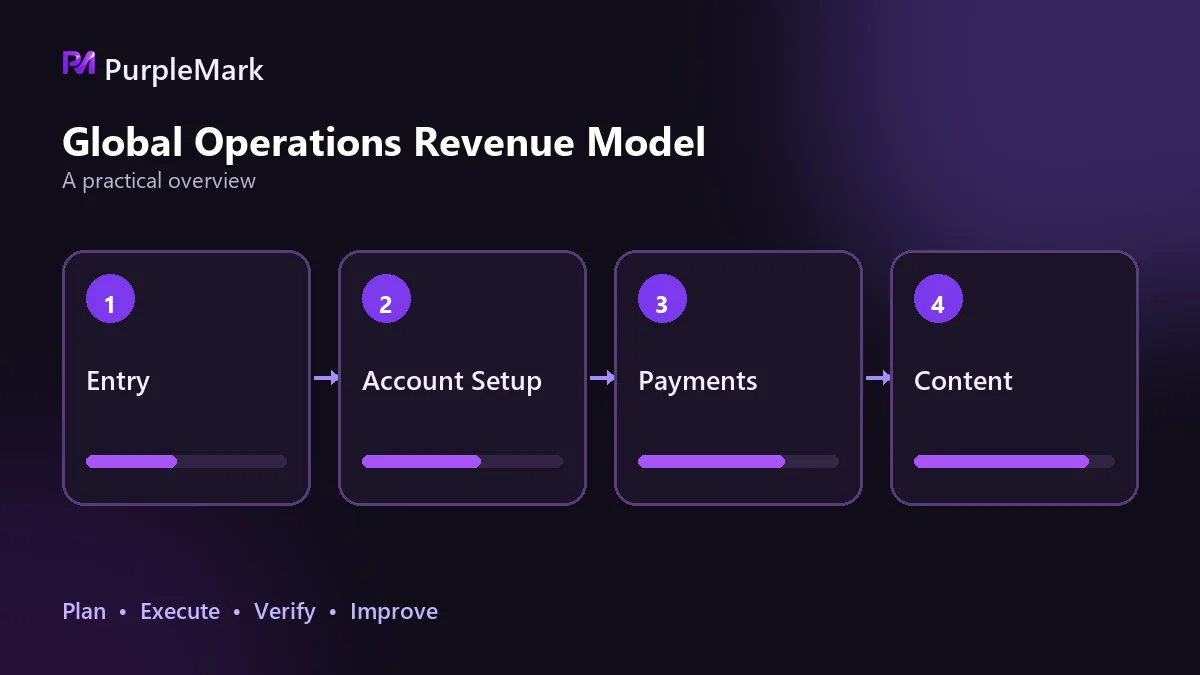
Five capabilities cover different parts of the process
Communication, payments, content, task management, and accounts and environment together cover most of the journey from registering on a platform to withdrawing your earnings. Communication determines whether you can create an account, understand task requirements, and submit deliverables; payments determine whether the money can reach an account in your own name; content determines whether you can keep producing work that can be delivered; task management determines whether you stay organized when several projects run at once; and accounts and environment affect how long those accounts can remain usable.
Hardware and networking can be considered part of the accounts-and-environment layer. Broadband above 100 Mbps is preferable, faster upload speed is better, and a Windows 10/11 or macOS device with at least 8 GB of memory helps you avoid scrambling when a high-quality survey is available for only five minutes.
Communication: solve registration and delivery first
The language requirement is usually lower than people expect. If you can recognize action words such as next, submit, and confirm, and have a translation extension you are comfortable with, most task interfaces are manageable. The bigger obstacle appears when account numbers grow: you need different email addresses for registrations so that a problem with one mailbox does not affect other accounts. Preparing several mainstream addresses such as Gmail, Outlook, or Proton Mail is one of the lowest-cost steps you can take.
For work that involves client communication, you also need to think about inbox rules, time-zone differences, and reply templates. Otherwise, even a simple confirmation exchange can consume an entire day.
Payments: one primary and two backups cover most platforms
Getting paid is one of the easiest places for beginners to get stuck. A relatively robust setup is one primary account plus two backups, which can cover roughly 99% of platform scenarios. Choose a widely supported channel as the primary account; most task and e-commerce platforms should support it and registration should be straightforward. Of the two backup accounts, one can handle platforms that require a virtual bank account, while the other can cover larger withdrawals, clearer exchange rates, and less common platforms. A service that can link directly to a local bank account is more convenient.
A payment account is still an account. Like a work account, it should have its own login environment rather than being mixed into the same environment as promotion or store accounts.
Content: add tools after you know your direction
In the early stage, surveys, testing, and microtasks mainly require your time and attention rather than a portfolio, so you can leave the content layer empty for a while. When you move into skill-based earning and start taking writing, design, editing, or translation jobs, content tools begin to limit your output. That is the point to consider writing assistance, asset libraries, collaboration, and version management. Paying for every subscription before your direction is clear is usually a waste.
Task management: necessary only when several projects run at once
If you use only one platform, keeping a ledger makes little difference. Once you run three or more projects at the same time, problems appear: which email is tied to which account, which commission is still unpaid, which platform has a minimum withdrawal threshold, and how far the previous job has progressed. A spreadsheet can manage all of this; you do not need a specialized system.
Accounts and environment: determine how long accounts remain usable
When multiple accounts on the same platform log in from the same computer and network, the platform can easily treat them as belonging to the same entity and then restrict or suspend them, wiping out the value you previously built. Environment-isolation tools give each account a separate browser environment with its own cookies, cache, local storage, and fingerprint parameters such as browser version, operating system, user agent, and time zone, so each account appears to come from a different device.
When choosing this type of tool, look at three things. First, whether isolation is thorough: beyond cookies, are local storage, extension scope, and start pages also separate? Second, whether each environment can bind its own proxy instead of sharing one globally. Third, when the account count reaches dozens, whether you can create, group, and authorize environments in batches. Multi-account environment tools such as PurpleMark put accounts, environments, proxies, and member permissions into one workspace, reducing repeated configuration errors as the number of accounts grows.
IP quality matters as much as the environment. Prefer residential IPs because data-center IPs tend to receive less trust on many platforms; do not look only at price, because cheap IPs are often heavily shared and may have poor histories, while the loss from an account restriction is usually much higher than the money saved; and keep the exit region aligned with the account's intended location. One account, one environment, and one independent exit IP is the minimum standard. Platform rules on account numbers and identity still come first; isolation only prevents technical interference between environments.
Add capabilities in the order your stage requires
During the first one to two months, a beginner's goal is to make the workflow function end to end. Low-barrier work such as surveys, user testing, and microtasks is enough for practice. At this stage, you mainly need basic infrastructure, communication tools, and one account that can receive payments.
From months three to six, the direction can shift toward better-paid, more stable work such as data annotation, transcription review, and basic translation. Clients start paying more attention to delivery quality, so this is when content tools and management spreadsheets become worth adding.
After six months, skill-based earning becomes more important. Writing, design, and editing can have wider income ranges, and the number of accounts often increases as well. At this stage, the bottleneck is usually not a lack of tools but an environment and collaboration setup that has not been organized properly.
Do not stack every tool at once
Buying everything at once sounds convenient, but it is an easy way to waste money: subscriptions go unused, account systems across tools are not yet connected, and when something breaks you do not know which step caused it. A steadier approach is to run through the whole process with free allowances or the lowest possible cost, then pay for the next link only after the current one works.
Two other safeguards are worth keeping from the start. Get platforms and payment tools only through official channels, and do not click links in emails claiming account abnormalities; legitimate earning paths require time and skill, so skip claims of high returns with zero risk. Low income in the first few weeks is normal, and many people need around three months before they see a noticeable change. Persistence matters more than which tool you choose.


