
For e-commerce browser selection, define the number of platforms, accounts, team members, and API needs first. Then evaluate isolation, parameter control, permissions, and stability; reversing that order often means paying for features you do not actually need.
Managing stores across several platforms often means repeatedly switching between admin panels and logins. Sessions can overwrite one another, and an account warning may be the first sign that the problem has been building for a long time. This is not something a different internet tool can solve by itself; each account needs its own separate environment.
An e-commerce browser is designed for exactly that: each account runs in an independent environment, with no shared cache, local data, or fingerprint characteristics between environments. The harder part is deciding whether a given solution is sufficient.
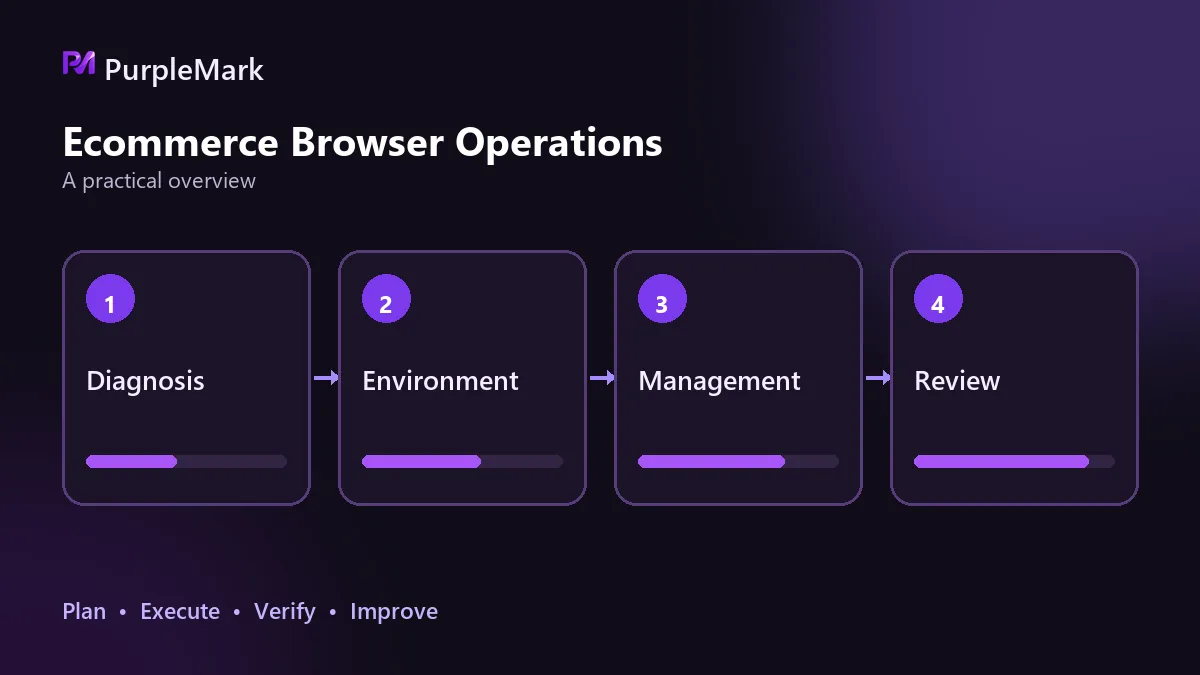
Ask four questions first and the requirements become clear
The first question is how many platforms you operate. One store on one platform is very different from two stores on each of three platforms, both in the number of environments required and in how account information needs to be mapped. The more platforms you use, the more important switching frequency, home pages, account notes, and centralized login information become.
The second question is the total number of accounts. Three accounts and thirty accounts are two different problems. Manual maintenance can work at small scale, but beyond a certain point, bulk creation, grouping, and bulk configuration changes become mandatory. A solution without those capabilities quickly turns into a burden.
The third question is team size. For one person, a permission model may be optional. Once operators, assistants, or outsourced staff all touch the accounts, you need clear answers to who can see which environment, who can operate but not delete, and how access is handed over when someone leaves.
The fourth question is whether existing systems need to be integrated. If you already have workflows that must automate logins, check status on a schedule, or export data in bulk, API capability is a requirement rather than a bonus. Once these four questions are answered, the required level of solution is usually clear.
Isolation: identify exactly what is independent
This is the most important criterion and also one of the easiest to misjudge. Independent cookies are only the starting point. You need to confirm whether cache directories, local storage, fingerprint parameters such as browser version, system information, time zone, language, fonts, resolution, and hardware parameters, as well as extension scope, home page, and bookmarks are all independent for each environment.
When isolation is incomplete, problems often do not appear immediately. They may surface in batches only after a platform updates its detection methods. Testing does not need to be complicated: sign in to different accounts in two environments, then visit each other's sites and check whether accounts become mixed or prior login state remains.
Parameter control: can you tune it yourself and change it in bulk?
Check whether fingerprint parameters can be configured individually, saved as templates for new environments, exported and imported on another device, and whether proxies can be bound to environments in bulk with connectivity and region checks. These capabilities determine the cost of operating as the number of accounts grows.
A solution with little control creates a very specific problem: every new account has to be configured manually from scratch, while you also have to worry about inconsistencies between one setup and the next. Consistency matters more than extreme granularity. Platforms look for environments that are reasonable and stable, not parameters that are unusually distinctive.
Permission model: who can change which environment?
For multi-person work, permission design directly determines exposure to risk. Look for the ability to group environments by team or project, share or transfer environments to specific members, limit members to operating without deleting, keep an audit trail, and trace who changed which environment and when.
An additional layer of login protection is useful too, such as two-factor authentication for members and alerts for logins from unusual locations. These features may not feel valuable during routine work, but they can save substantial investigation time when something goes wrong.
Stability and maintenance determine how long the setup remains usable
First, look at the pace of browser-engine updates. If the engine stays far behind mainstream versions, a single change in a platform's detection strategy can make a batch of environments unusable. When reviewing release notes, check whether they are mostly generic statements or clearly explain what was fixed.
Second, look at performance at scale. As the number of environments increases, the stability of bulk launching, bulk actions, and synchronized operations directly affects day-to-day efficiency. Third, consider deployment model and migration cost. Local and remote environments each have trade-offs: remote environments make team collaboration and access from different locations easier but are more sensitive to network quality; local environments rely less on the network but are tied to a device. In either case, confirm that environment configurations can be backed up and migrated, or replacing a device can become a major problem.
It is also worth clearing up a common confusion: these tools are not the same as servers. Servers provide computing resources and a deployment location, while browser environments isolate accounts from one another. Even when an environment runs remotely, isolation and proxy management remain the core capabilities.
Three common evaluation mistakes
The most common mistake is assuming that changing the IP solves everything. IP is only one factor in account association. Several accounts can use different network exits but still be grouped together if their time zone, language, fonts, and resolution are nearly identical. The network exit and the environment need to be handled together.
The second mistake is comparing price alone. The cost of incomplete isolation or missing permission controls is often an account restriction or a connected store being affected, which can be far more expensive than the price difference between tools.
The third mistake is treating the tool as a way to bypass rules. Where a platform has explicit requirements for account numbers and identity, environment isolation only prevents technical interference between accounts. It cannot make a noncompliant account structure compliant.
The selection standard can be reduced to one sentence
Can the solution reliably maintain one independent environment and one independent network exit for each account, while keeping that process error-free across the team over time? If it can, the remaining trade-off is mainly price versus scale. If it cannot, a long feature list does not matter.


