
Facebook ad accounts can be disabled for policy, payment, account-linkage, or new-account risk-control reasons. This guide explains how to identify the category, prepare evidence, write a clear appeal, and respond if the appeal is rejected.
When a Facebook ad account is disabled, the first reaction is often to click the appeal button immediately. But the platform may provide only a one-line reason, sometimes only a link with no explanation at all. Classifying the disablement correctly matters more than rushing to submit documents, because the handling paths for the four main categories barely overlap.
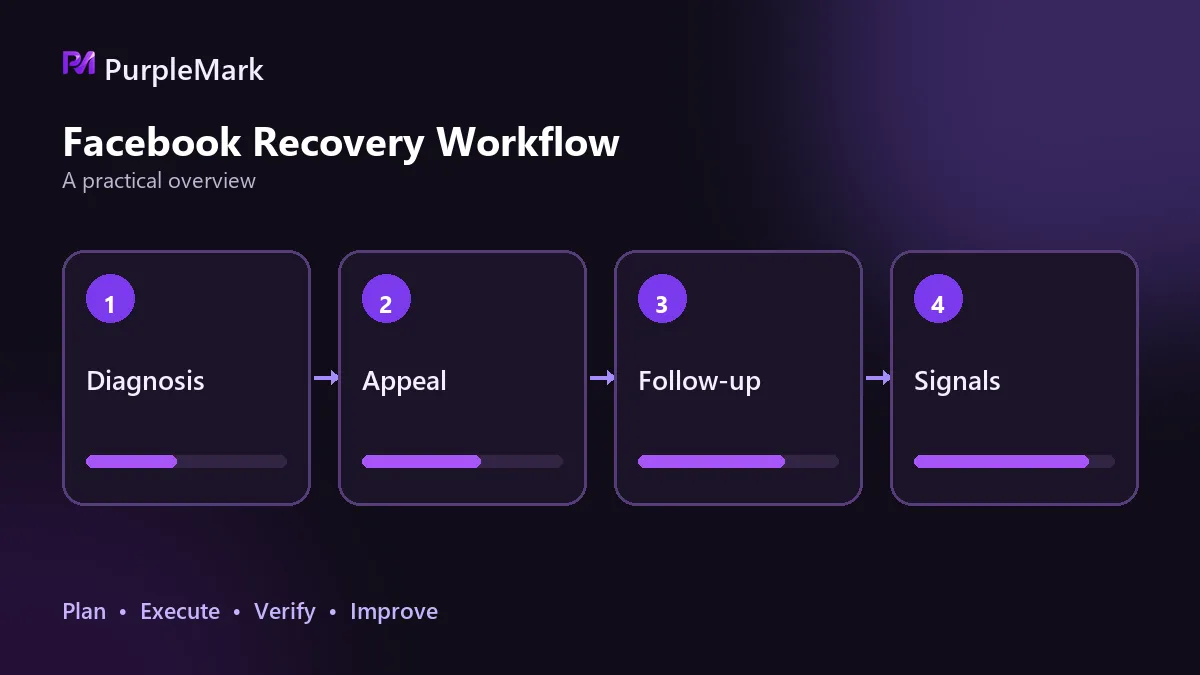
Four causes, four paths
Policy violations are the clearest category because the platform usually identifies the specific ad or landing page at issue. Common triggers include exaggerated claims or promised returns, a mismatch between the landing page and the ad, unauthorized use of brand marks, trademark names, or copyrighted material, promotion of prohibited categories, text occupying more than 20% of an image ad, and poor-quality creative with excessive grammar errors, punctuation, or all caps. The platform may first screen for sensitive terms automatically and then conduct a manual review, so approval of one ad does not mean the entire batch of creatives is safe.
Payment issues usually come with a clear notice asking you to update the payment method. An expired credit card, insufficient balance, or bank decline can stop delivery. A mismatch between the account name and the cardholder name can also trigger security checks. If multiple accounts share the same payment method and one transaction has a problem, related accounts may be disabled together.
Account linkage often comes with no clear warning; the account simply becomes unavailable. If multiple accounts repeatedly log in through the same network exit, or one account logs in from multiple geographic locations and devices within a short period, the behavior may be treated as an attempt to evade detection. The latter can also happen to someone who uses only one ad account but frequently changes network environments.
New-account risk controls apply to newly created accounts or accounts with very little past spend. If the budget suddenly jumps in a way that does not fit a normal growth curve, the system may pause campaigns first and then investigate.
Read the platform's reason before deciding whether to appeal
Not every disablement is a platform mistake. Compare the stated reason against your ads, payment records, and login history item by item. An appeal is meaningful only when you genuinely cannot find the corresponding problem. Otherwise, the submission merely repeats the platform's conclusion.
Channels and supporting materials
The appeal entry point is in the policy and security sections of the Business Help Center, where you provide account information and an explanation as requested. Some regions and high-spend accounts may also have access to live chat support. Availability depends on region and ad spend, so do not assume it will always be offered.
Prepare supporting materials by category. For payment issues, include a valid payment method, recent statements, and payment records. For policy issues, include revised ad creatives, landing-page screenshots, and a compliance explanation. For linkage issues, include business qualifications, proof of account ownership, and recent activity records. For new-account risk controls, include the upcoming media plan and an explanation of how the budget will be adjusted. An operation log is a common missing piece: if you cannot explain who made which recent changes, troubleshooting can take much longer.
Make three things clear in the appeal
Root cause, remediation, and prevention.
The root cause is the issue you identify through your own analysis and may not be identical to the platform's one-line explanation. State which ad, landing page, failed payment, or unusual-location login triggered the problem, and match it to the relevant time. For remediation, explain what has already been changed, when it was changed, and who verified it. For prevention, explain how you will reduce the chance of recurrence, such as increasing budgets in stages, organizing payment methods, or keeping the login environment stable. Keep the tone polite and direct: thank the review team for their time, then present the facts without emotional language.
It is equally important to explain everything in one submission. Put the cause analysis, completed changes, and proof in the same appeal. Do not repeatedly submit fragments or combine several unrelated appeal reasons.
Two things not to do
Opening a new account and continuing the same campaigns can easily be treated as circumvention, which may involve more connected assets. Adding new policy violations to the same asset while an appeal is pending only makes the review harder and weakens the credibility of a later appeal.
After an appeal is rejected
After rejection, the platform may not provide another restoration entry point. There are three practical options. First, explain the situation again through other available Help Center contact methods, if any are available. Second, evaluate whether the account is truly worth further investment; for some business lines, moving forward with a clean account may be faster. Third, shift part of the budget to other ad platforms so that a single-channel interruption does not shut down the entire acquisition pipeline.
No one can guarantee a review time. The only things you can observe are the messages returned after submission and changes in account status. Treat it as a process that requires waiting, not one that can necessarily be accelerated by repeated follow-up.
Reduce the chance of the same problem happening again
Start by cleaning up the asset structure. Keep the relationships among Business Manager, ad accounts, Pages, and pixels clear so that a problem in one place does not stop everything. Assign permissions by role instead of giving everyone administrator access, and keep operation logs. Stabilize the login environment: use one consistent environment per account and avoid having multiple advertising accounts share the same browser environment.
When you need to manage several ad accounts at the same time, PurpleMark can give each account an independent, fixed environment and network exit, reducing the chance that overlapping environments cause accounts to be linked.
The sequence remains the same: classify, locate, prepare, and explain clearly in one submission. Payment and content issues can often be restored; linkage and new-account risk-control cases often require a broader review of the asset structure and login environment.


