
When Instagram registration gets stuck, the cause is usually a platform limit on volume or devices: creating several accounts from the same exit in a short time, repeatedly registering on one device, reusing contact details, or requesting verification codes too often. The right response starts by stopping repeated attempts.
A typical stuck registration looks like this: the page opens, you can fill in the details, but the submission will not go through. Or the account is immediately sent to verification after submission, and after a few more attempts even the registration entry point becomes unavailable. This is rarely caused by filling out a step incorrectly. More often, the combination of exit, device, contact information, and pace is judged as not trustworthy enough to allow.
The platform's logic is not especially complicated. It is designed to prevent bulk registration and abuse, so it checks several independent dimensions to decide whether this looks like a normal person creating an account.
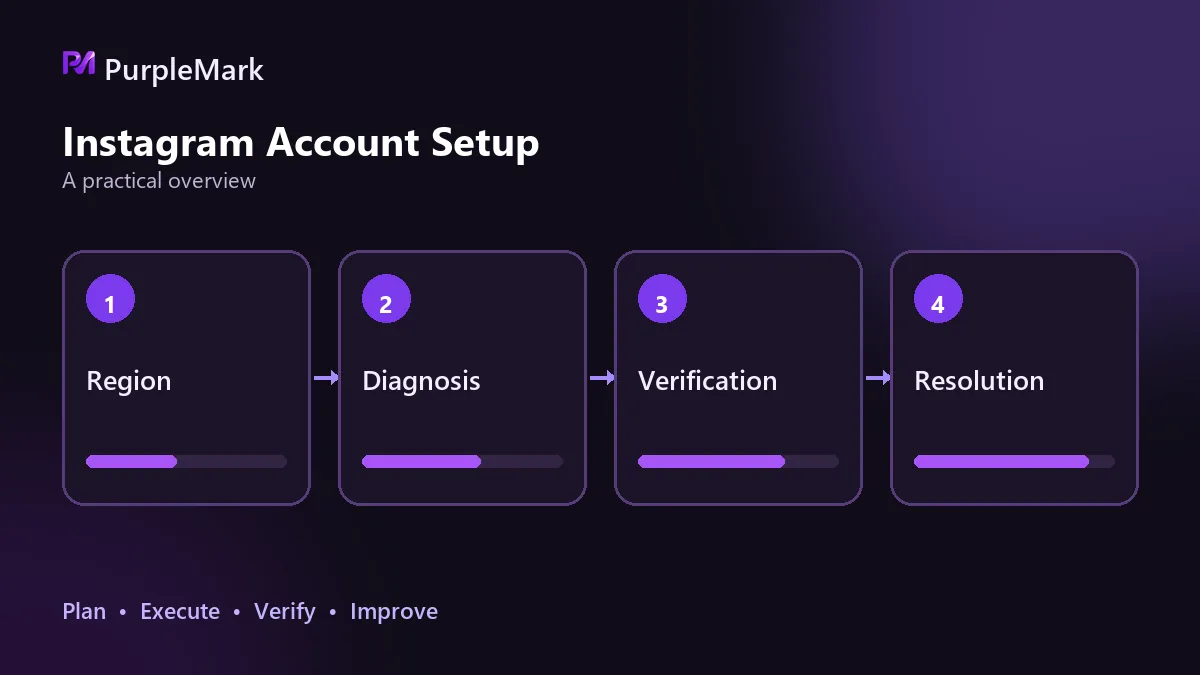
The platform counts two things: account volume and devices
The first is volume, measured by exit. If the same IP address tries to create multiple accounts in a short period, the system may suspect prohibited bulk registration. That IP can be temporarily restricted and, in extreme cases, permanently blocked, after which any registration attempt may be stopped. For a normal user, the practical point is that if an exit is shared by many people, you may already be starting from a disadvantaged position.
The second is the device. The platform does not identify a device from a single field. It combines the operating system, browser version, extensions, and other characteristics that can consistently distinguish a machine and browser into a device fingerprint. Multiple accounts registered on the same machine will have highly similar signals and can easily be grouped under the same operator. When a team uses one office computer to register every company account and all of them eventually get stuck, this is often the reason.
The implication is straightforward: clearing cookies or cache does not solve the second issue. To change this layer, each account needs to run in its own independent browser environment.
Three common reasons registrations are blocked
Abnormal environment. An exit that has been flagged, a clear mismatch between the exit region and the phone number's region, or an exit that has previously been used heavily for registrations can all reduce the platform's trust before submission.
Repeated details. The phone number or email is already linked to another account; or the username and password are excessively random, such as a meaningless string of repeated characters. Information that does not look like something a real person would use can itself become a reason for rejection.
Behavior is too fast. Rapid repeated submissions or completing several registration flows densely within the same time window differs too much from normal user behavior and can directly trigger verification or rejection.
Reused contact details and verification-code frequency
Each account needs a unique email address or phone number. The same email address cannot be used to register a second account, so there is no flexibility on this point.
A more common problem is rate limiting. If one phone number or email address is used to request verification codes multiple times in a short period, the platform may temporarily stop sending codes to it, leaving registration stuck at that step. As a rough example of scale, using one phone number to verify ten new accounts within an hour is almost certain to trigger a limit.
There can also be a knock-on effect. If one account is disabled and the platform considers other accounts connected to it, those accounts may also be restricted. Accounts should therefore be kept less connected rather than trying to offset risk by registering more of them.
The correct troubleshooting order
Once a limit is hit, how you respond matters more than how many times you try. Following the order below helps avoid making the problem worse.
Stop first. Repeated retries only make the history associated with the exit and device look worse. Pausing for several hours to a day is more useful than submitting again and again.
Then change the exit. Choose an exit with a clean history whose region matches the phone number, and keep it stable throughout the entire registration process. This is a key step.
Next, prepare the contact information. Make sure the email address or phone number has not been used by any account, and do not test multiple accounts with the same number.
Then isolate the environment. Give each account an independent browser environment that separates cookies, cache, local storage, and fingerprint information. This addresses repeated identification at the device level.
Finally, slow down and spread activity out. Do not complete multiple registrations back to back within an hour. After an account is created, keep its usage normal for a period instead of immediately starting bulk follows or direct messages.
Three easy mistakes to make
Clearing the cache is the same as changing devices. It is not. Clearing only removes local traces; repeated characteristics can still remain at the device-fingerprint level.
Changing devices will fix everything. Not necessarily. If the exit does not change and the contact information is still the same, changing the device alters only one of the conditions.
A problem with one account cannot affect other accounts. It can. When the platform determines that accounts are linked, it may act on them together, so contact details, environments, and exits should be actively separated.
The boundary set by platform rules
One point needs to be clear: the steps above address conflicts between technical conditions. They do not override the platform's rules on account quantity or identity. Bulk-registering accounts under the same identity, or using accounts for prohibited purposes, can result in the entire group being removed. Environment isolation does not change that.
If you genuinely need to manage multiple accounts that the platform allows, the standard approach is to give each account an independent browser environment and independent exit, then keep records binding the environment, proxy, and account details together. Use groups to separate purposes and permissions to limit who can operate what, reducing mistakes such as opening the wrong environment or mixing accounts. As account volume grows, multi-account environment tools such as PurpleMark handle this management layer; the platform's own rules remain the prerequisite.


