
The same proxy may work smoothly for one person but trigger a CAPTCHA immediately for another. The difference often comes down to measurable factors such as geolocation, ASN type, blacklists, neighboring IP quality, and past interactions with the target site.
The same proxy may work well for A, while B gets a CAPTCHA as soon as they log in. The difference is usually not whether a proxy is being used, but several metrics that can be compared. “IP purity” sounds vague, but once broken down, every part can be checked and tracked over time.
Does the location match what is claimed?
Start by checking the IP’s geolocation and carrier against the provider’s claim and against the time zone, language, latitude, and longitude configured in your own environment. Conflicts among these signals can trigger risk controls more readily than a merely “unclean” IP. An exit labeled as being in the United States while using Beijing Time and Chinese fonts is already an abnormal signal. Check the DNS exit region as well; if it differs from the IP location, something else may be affecting the traffic path.
ASN type: residential, data center, or enterprise
Two IPs in the same city with the same score can receive very different risk weighting if their ASN types differ. Residential ISP ranges most closely resemble normal consumer internet access. Data-center and hosting ranges may be treated as proxies by many platforms even when they are not blacklisted. Enterprise ranges sit in between and can behave inconsistently when heavily shared.
Check which ASN the IP belongs to, who the registered organization is, and what that organization actually does. Relying on a single overall score can be misleading because such scores often combine data-center classification with historical abuse.
Whether the IP appears on public blacklists
There is no single blacklist. Different databases track spam sources, abuse records, Tor exits, known proxy pools, fraud scores, and other signals, each with different criteria and coverage.
Cross-check two or three databases. If one flags the IP while the others are clean, there is no need to replace it immediately, but the flag should be noted and checked again after a few days. Conversely, being clean across all databases does not prove the IP is safe; it only means it has not been listed there.
Quality of neighboring IPs
An IP rarely exists in isolation. If nearby addresses in the same range have been abused, the reputation of the whole range may suffer. Shared proxies and recycled address pools are especially prone to this problem, which is one reason two people buying IPs from the same provider can have very different experiences.
Check abuse records for the entire range, whether the provider splits the same range among many users, and whether the same address’s score changes over time. A clean, stable range is usually more durable than an address that merely has a high score at one moment.
Past interaction with the target site
The first four dimensions are general. This one is closest to real usage: when the same exit accesses the site you actually need, how often do CAPTCHAs appear, does login require extra verification, what share of requests are blocked outright, how long can sessions stay active, and are registration or login actions restricted?
These are direct indicators of whether the IP works for that specific site and are more persuasive than any general score. When the target site changes, observe again because the same exit can perform very differently across platforms.
A practical checking order
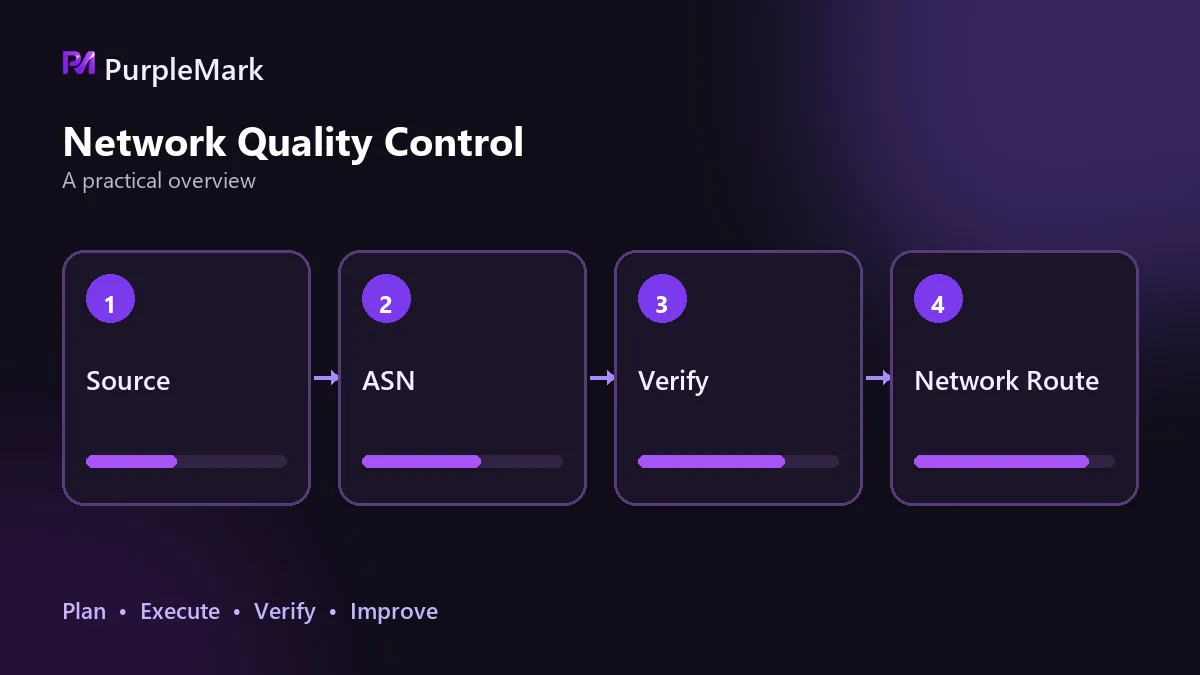
First record the current exit address and its network range, not just the individual IP. Then check geolocation and ASN type and compare them with the time zone and language settings in your environment. Next, use two or three public databases to check blacklists and fraud scores, then inspect abuse among neighboring addresses in the same range. Finally, return to the target site, perform a round of real actions, and record CAPTCHAs and blocks. Only when all five dimensions are acceptable should the exit be considered usable.
Two counterintuitive points are worth remembering during cross-checking.
A high score does not mean there is no exposure. DNS leaks and WebRTC leaks can make the exit information irrelevant because the page may still read characteristics of the local network. This is an environment-consistency issue and must be checked separately from IP purity.
A residential IP does not mean an exclusive IP. Shared residential ranges can also be contaminated, and that contamination changes over time. Purity is therefore not a one-time conclusion but a status that should be reviewed regularly, especially for accounts operated over the long term.
Relationship with the environment
An IP is only one identity signal. Platforms may also compare whether time zone, language, and fingerprint characteristics are consistent. A stable exit and an isolated environment both need to hold for an account’s access pattern to resemble that of an ordinary user. Binding each account to a fixed exit and operating it in its own isolated browser environment is a common way to maintain both conditions. Tools such as PurpleMark handle this environment isolation and exit binding.
Assuming that an IP will remain usable forever after one replacement is a common mistake. Turn the five dimensions above into your own checklist and review them regularly; that is easier than guessing the cause after a problem occurs.


