
A proxy being connected does not mean it is usable. This guide gives five repeatable checks: verify location and carrier, distinguish residential from data-center IPs, test connectivity and packet loss, check DNS and WebRTC leaks, and monitor whether the IP becomes flagged over time.
After configuring a proxy, seeing a page report that it is connected is only the first step. What really determines whether the environment is usable are details that are easy to overlook: who owns the exit address, whether the range is residential or data-center, where DNS requests are sent from, and whether WebRTC exposes the real address.
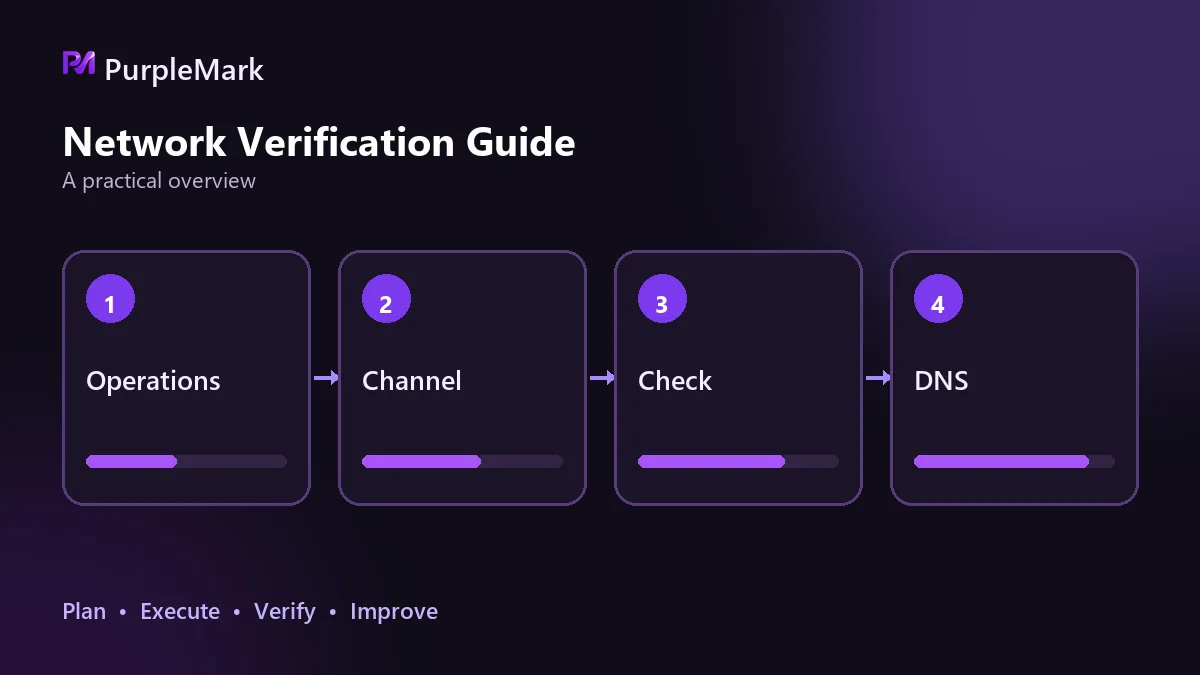
The following five checks, with concrete methods, take about ten minutes to go through one by one.
1. Are the location and carrier correct?
Open any page that shows your current IP and check three things: whether the displayed country and city match the region you need, whether the carrier name matches the provider you purchased from, and whether the ASN matches what was advertised.
This catches a common problem: a provider says a node is in Germany, but it actually exits in the United States. IP databases can also disagree, so different lookup sites may return different results. Cross-check two or three sources and use the registered organization in the whois record as the reference.
Also check IPv6. In some environments, browser traffic goes through the proxy while IPv6 still exits locally. Use an IPv6-only test page to confirm that the result also points to the proxy exit. If it still points to your real address, the environment is only partially protected.
2. Residential range or data-center range?
IP type is easier to overlook than location, but its effect can be more direct. Residential IPs are registered to broadband operators, while data-center IPs belong to cloud providers or IDC address ranges. This distinction is publicly visible in IP-type databases.
The simplest method is to check the organization registered for the ASN. Names containing words such as Cloud, Hosting, Data Center, or VPS are usually data-center ranges; names containing Telecom, Broadband, Cable, or Communications are more often residential or ISP ranges. Check reverse DNS as well: residential IPs often have operator-assigned reverse records, while data-center PTR records frequently follow a cloud provider's domain naming pattern.
If you use your own cloud server as a proxy, the exit will necessarily be a data-center IP. That follows from how the infrastructure works and cannot be changed by configuration. The advantage is stability, control, and exclusive use of the IP; the disadvantage is the IP type. Which matters more depends on how strict the target platform's risk controls are: a data-center range may be fine in lower-risk scenarios, while stricter environments may require a residential or ISP proxy.
3. Connectivity and packet loss
Connectivity is not the same as stability. A short ping test may not reveal a problem; you need to observe it continuously for a while.
Run continuous pings or repeated requests to a fixed target hundreds of times, then examine packet-loss rate and latency variation. Zero packet loss and latency staying within the same general range are the desired result. Intermittent packet loss or latency that jumps sharply usually points to congestion or insufficient bandwidth. To locate the specific segment, test in stages: first measure latency from your local machine to the proxy server, then from the server to the target site. The segment with the clearly worse result is where the bottleneck lies.
The proxy protocol must also match. SSH, SOCKS5, and HTTP cannot simply be mixed together; the protocol selected in the client must match what the server actually exposes, or the connection may establish without traffic passing correctly. The same applies to ports. If a default port such as SSH port 22 is blocked by the provider, adjust the firewall rules before assuming the password is wrong.
4. Are DNS and WebRTC leaking?
These two checks determine whether your real location can leak through another channel.
To check for a DNS leak, visit a page that supports DNS leak testing and see which node sends the resolution requests. If the final DNS resolver is still local to you, routing traffic through the proxy is not enough—the platform can infer your real region from DNS resolution location and compare it with the IP location. The fix is to enable remote DNS resolution in the environment or choose a proxy type that supports proxied DNS resolution.
WebRTC leaks are more subtle. Browsers collect local network-interface information for peer-to-peer communication, and under some configurations this can bypass the proxy and reveal a private or even public address. Open a WebRTC test page and check whether any candidate address is your real IP. If so, disable WebRTC in the browser or environment settings, or restrict it so that it can only use the proxy.
5. Are the time zone and language consistent?
If the exit appears to be in the United States while the browser uses Beijing time, Chinese as its language, and Chinese-oriented font rendering, that inconsistency is an obvious sign of a mismatched environment. Set the time zone, language, and interface region to match the IP location. There is no need to imitate a specific city exactly.
How to tell over time whether the IP is being flagged
The previous checks can be completed in one day, but IP reputation can only be judged over time. Watch for signals such as CAPTCHAs appearing more often on the target site, logins starting to require frequent secondary verification, previously normal features becoming restricted, or the same site immediately working normally again when you switch networks.
If verification is triggered repeatedly after only a few actions, there are usually two reasons: the IP type is unsuitable, or the address range has been heavily used before and has accumulated a history. Checking anti-abuse databases can show whether the range has a record of being flagged. This is where a self-hosted server has an advantage: from the day you purchase it, the IP is used only by you, so its history starts clean.
There are two practical directions for correction: switch to a residential proxy, or switch to a regional node with fewer users.
Checklist for the day you finish configuration
- Use an IP lookup page to verify location, carrier, and ASN, then check for IPv6 leakage
- Use the ASN registrant and reverse DNS to determine whether the range is residential or data-center
- Send several hundred continuous requests to inspect packet loss and latency variation, testing by segment if necessary
- Use a DNS leak test and a WebRTC test to confirm that the real exit is not exposed
- Align the time zone, language, and interface region with the IP location
After that, review CAPTCHA and secondary-verification frequency every one or two weeks and keep a record. If a team maintains multiple environments, fixing the mapping between each environment and its exit and parameters can save substantial effort. Multi-environment management tools such as PurpleMark can be used at this stage.
A proxy that works and a proxy that is suitable are two different things. The first only requires correct configuration; the second requires item-by-item verification. The unchecked items—DNS leaks, WebRTC, and IP type—are the ones most likely to reduce the credibility of the entire environment without being noticed.


