
When a proxy connection fails, troubleshoot in three layers: first verify that the public IP and location actually changed, then separate DNS, timeout, and certificate issues, and finally confirm proxy authentication, port, and protocol settings.
The proxy is configured, the username and password are correct, yet the connection check still fails. Many people immediately contact the proxy provider, switch nodes, change ports, or press support for help. That is often inefficient because a failure can occur anywhere along the full network path, and the proxy is only one part of it.
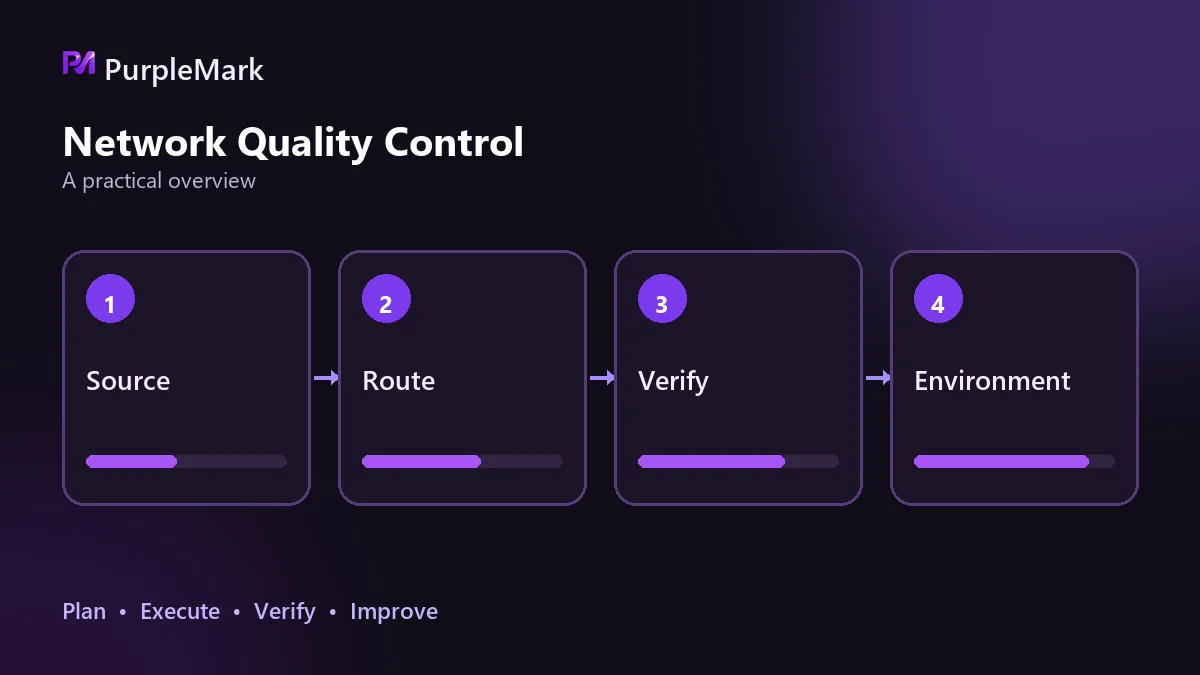
Instead of changing things at random, use a fixed outside-in sequence: first confirm that the exit is really active, then check whether the network path works, and only after that examine application-layer authentication and protocol settings. These three layers are enough to locate most problems.
Is the exit actually active?
This step is easy to skip because the configuration may look successful. But a successful configuration and traffic actually going through the proxy are two different things.
Check two things. First, did the IP change? Record your public IP without the proxy, enable the proxy, and check again. If both are the same, the traffic is not leaving through the proxy, so later troubleshooting is wasted effort. Second, is the location correct? Proxy details usually include country, region, state or province, city, coordinates to six decimal places, and postal code. Compare these with the region you purchased. A system time zone that clearly does not match the exit region is also a warning sign.
When the exit is not active, the cause is often leftover local settings rather than the provider. If a previously used network tool did not clean up properly when it exited, environment variables such as HTTP_PROXY or HTTPS_PROXY may remain at the system level, or macOS Web Proxy or SOCKS Proxy switches may still be enabled. In that case the client may think it is following the system proxy while requests actually bypass it. Clearing these leftovers and testing again is often more useful than reconfiguring the proxy from scratch.
Three common network-path errors
Once the exit is confirmed, check whether the request can really reach the destination.
DNS resolution is the first possible bottleneck. You may see a resolution failure, or a clearly incorrect result where a domain that should point to the target service resolves to an unexpected address. Try resolving again with a public DNS server or clear the local DNS cache, then check whether the problem is gone.
Connection timeout is the second type. If a firewall or security product blocks the port, the request may keep spinning and then time out. Check the port allow rules and whether the environment itself, such as a corporate network or public Wi-Fi, imposes restrictions. A quick test is to connect directly without the proxy. If no website opens that way either, the problem is in the underlying network, not the proxy. Restart the router or switch to a mobile hotspot to verify.
Certificate errors deserve separate attention. When you see an untrusted-certificate or handshake-failure message, it is natural to suspect decrypted traffic or certificate replacement. That is possible, but there is another less obvious cause: incorrect local time. Many authentication and session mechanisms depend on timestamps. If local time differs from server time by more than 5 minutes, signature validation can fail and the connection may be rejected; over HTTPS, this appears as a certificate-validation failure. When a certificate error appears, also check system time synchronization. If it is abnormal, enable automatic synchronization, correct the clock immediately, restart the client, and test again.
Do not mix up authentication and protocols
If the client can reach the proxy server but traffic still does not work, the problem is usually at the application layer.
Authentication information is the most common cause. The proxy username, password, and authentication method must match what the provider supplied, and a changed password that was not updated in the configuration is a frequent issue. In manual configuration mode, also confirm that the entered port matches the port on which the proxy tool itself is listening. The numbers can look similar, but using the wrong one prevents the connection entirely.
Protocol mismatch is the second category. HTTP, HTTPS, and SOCKS5 are not interchangeable: if the provider gives you SOCKS5 but the configuration says HTTP, the check will fail. Also confirm that the proxy permits access to the destination site and destination port, because some proxies restrict targets or protocols.
The fastest way to tell a node problem from a configuration problem is to test another node. If the replacement works, the original node is the issue. If it still fails, return to the configuration and network path. Do not repeatedly change several parameters at once; change one variable at a time and record the result, or your own changes may hide the actual cause.
Connected does not mean the environment is usable
There is one more common trap. A proxy can show a normal connection while an account still frequently triggers risk controls. The issue may not be whether you can connect, but whether the exit resembles a normal user environment.
Check the same basics: does the exit location match the account's registration region; is the IP type appropriate, since platforms may treat data-center and residential IPs differently; and has the IP previously been flagged by the target site? If the same IP has carried a large amount of abnormal activity, later users can be affected. After the connection test passes, spend a few minutes checking the cleanliness of the exit as well.
If one device runs multiple environments, it is best to map exits one-to-one: give each environment its own exit. Problems can then be isolated individually, and if one exit is flagged, only its corresponding environment is affected rather than all of them. PurpleMark configures and isolates exits separately by environment in multi-environment management for exactly this reason.
These troubleshooting methods are provided for technical discussion only. Use related tools and services only in compliance with applicable laws and regulations.


