
Amazon seller onboarding has three stages: preparation before registration, submission and review, and initial store setup. The usual blockers are document details, review requirements, and compliance boundaries rather than the registration steps themselves.
Opening an Amazon seller account is not especially complicated, but there are many steps and each has different requirements. Most people get stuck not because they cannot operate the interface, but because documents are incomplete, information is inconsistent, or they do not know what the platform checks closely.
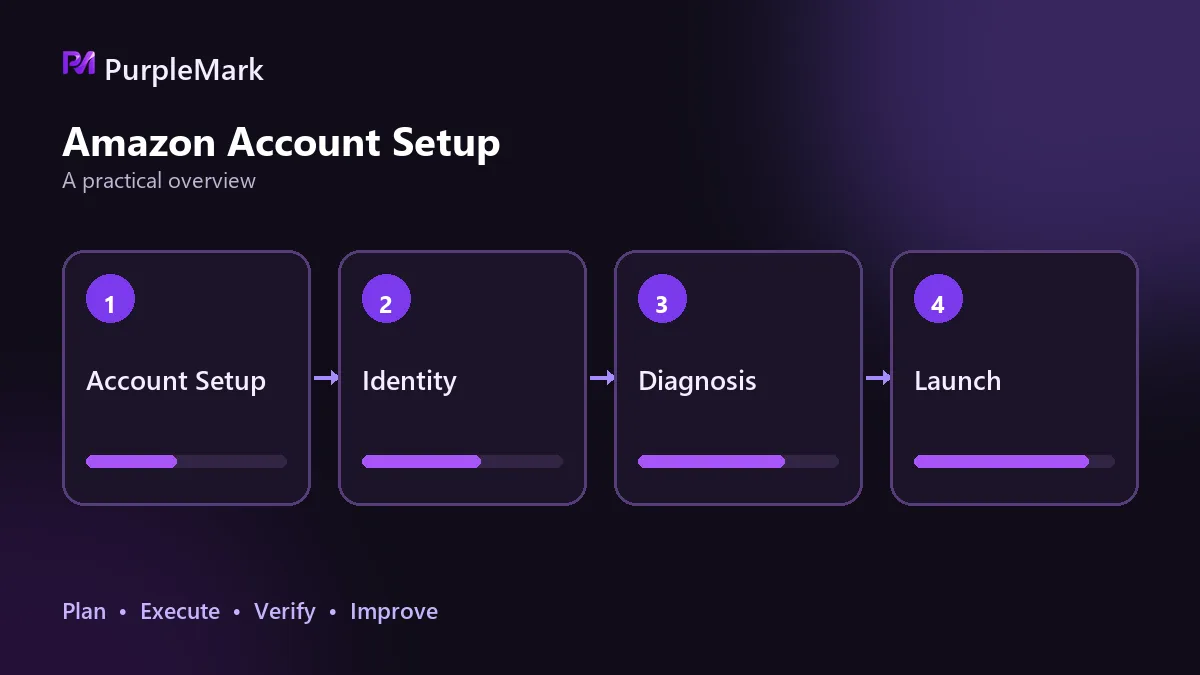
Prepare all documents before registration
For entity qualifications, individual applicants need an ID card or passport. Companies also need a business license, and some marketplaces may check tax registration information. Requirements for business licenses and proof of residential address vary by marketplace, so compare your documents with the official instructions for your target marketplace before starting; that is faster than supplying missing documents later.
Proof of address is usually a recently issued statement, such as a bank statement, utility bill, or credit card statement. A common requirement is that it be dated within the last 180 days. Your receiving account must be able to accept foreign-currency sales proceeds. It can be a bank account or a platform-supported third-party payment service, but the verified identity details must match the registering entity. You also need a credit card that supports international charges for identity verification and later fee collection. Non-US residents generally need to submit the applicable nonresident tax form or complete the tax questionnaire during registration.
Taken together, the items that really need to be arranged in advance are the receiving account and proof of address, because both can take time to obtain.
Submission and review
Registration starts from the seller registration page in the platform's seller backend. There are individual and professional account types: the individual plan charges per item, while the professional plan uses a monthly subscription and offers more features. Choose based on the scale you plan to operate, not simply on which option looks cheaper.
The rule for entering information is to get it right the first time. Entity information should exactly match the business license, the address must be real and usable, and the contact details must be able to receive verification codes. Repeatedly changing registration information can itself be treated as an abnormal signal and reduce account credibility.
After identity documents are uploaded, the platform will usually arrange video verification. The entire process generally takes two to three business days. Keep the verification environment stable and do not switch devices or networks midway; the documents must match the submitted information. When registering as a company in mainland China, a common practice is to show the business license together with the person and identity document in the same photo or the same video. Requirements differ between individual and company registrations, so do not copy someone else's method without checking.
If verification fails, do not retry repeatedly. First recheck that all information is consistent, then schedule the verification again.
Why reviews usually get stuck
- Entity information does not match the identity documents, or document photos have glare, obstruction, or cropped edges;
- Proof of address is outside the valid period, or its address does not match the address entered;
- A company registration does not show the business license as required by the marketplace;
- The device or network is changed during video verification, or the required documents are incomplete.
These are generally detail issues rather than hard eligibility barriers. Correcting them can resolve the review problem.
What to do after the store is approved
The first task is category approval. Some categories require additional qualifications or approval, and you cannot sell normally until they are cleared. Decide on the category before selecting products rather than discovering restrictions after inventory is ready. Categories also affect visibility and platform fees, and choosing the wrong one can be difficult to correct later.
If you already own a trademark, complete Brand Registry as early as possible. Registration unlocks content tools such as A+ pages and provides access to brand-protection benefits. If you do not yet have a trademark, you can proceed as a regular seller while preparing the trademark and registry process in parallel.
Choose your logistics model before listing products, not after sales begin. The platform's fulfillment service offers standardized delivery times and a stable customer experience, with fees calculated by size, weight, and storage duration. Merchant fulfillment is more flexible, but you must manage delivery performance and after-sales service yourself. The right option depends on the product, target market, and your team's logistics management capability.
For product information, place the core keyword naturally in the title instead of stuffing keywords. Make sure the main image follows the category rules and show the product from multiple angles. On the detail page, clearly explain use cases and specifications. When setting the price, include logistics and platform fees in the cost calculation; otherwise an item can appear profitable when it is not.
Compliance lines you should not cross
Reviews are one of the easiest areas for new sellers to get into trouble. Inviting genuine buyers to leave reviews through platform channels and participating in official platform review programs are acceptable when there is no exchange of benefits and no instruction about what the review should say. Any method that artificially creates reviews violates the rules. Consequences can include review removal, reduced visibility or weighting, and restrictions on selling privileges, potentially wiping out data accumulated in the early stage.
Operating multiple accounts is another compliance boundary. The platform assesses account relationships through a combination of signals: network egress, device fingerprints, browsing data and local storage, and operating patterns. A single signal may only raise suspicion, but the risk becomes much higher when several overlap. If you plan to run multiple stores, each store needs a separate network egress and device environment. Once environments overlap, the consequences can affect all accounts. Fingerprint browsers such as PurpleMark can assign a fixed, independent environment to each store, which is a common way to handle this part of the setup.
Avoid infringement and promotion abuse as well. Do not use other people's images, copy, or brand terms. Use coupons and promotions according to platform rules; repeatedly reusing the same promotion setup can trigger an abuse determination.
Keep watching account-health metrics. Order defect rate and late shipment rate are basic indicators of whether the account can continue operating. During the cold-start stage, use on-platform advertising to obtain real traffic, review the data, and then adjust keywords and the main image. This is steadier than rushing to scale volume.
When the process details are handled properly, later operations have a much more stable foundation.


