
Discord allows one person to have multiple accounts, but abuse is a different matter. This guide explains Discord’s practical stance on multiple accounts, desktop versus web login, and real-world issues around sessions, notifications, and linked enforcement.
People who need several Discord accounts at the same time are often managing communities: one account for the official community, another for customer support, and separate communities for different languages or contexts. Others simply want to keep personal activity separate from a project.
How Discord views multiple accounts
There is no explicit ban. Discord does not state that one person may have only one account, as long as each account uses its own email address or phone number. One email address can be registered to only one account, and that restriction is firm.
But allowing multiple accounts is not the same as allowing abuse. The accounts themselves are not a violation, but using them for spam, harassment, or artificial engagement can lead to restrictions or bans. The dividing line is straightforward: are multiple accounts separating legitimate roles, or are they being used to make one action look as if many people are doing it? The former is acceptable; the latter crosses the line.
Desktop and web are not the same
The official client includes an account switcher that can manage up to 5 accounts, and it is available on both desktop and web. If you need more than that, you need another approach.
There is another easy-to-miss difference between the web app and the client: their login states are separate. You can therefore keep one account signed in on the client and another in the browser at the same time. However, the web version lacks features such as voice and screen sharing. It is enough for routine community management and text communication, but voice events still call for the client.
If the number of accounts clearly exceeds the switcher limit, a common approach is to give each account an independent browser environment so its login state can be saved separately and opened from one place. These tools help legitimate accounts avoid interfering with one another; they do not change the platform’s policy boundaries.
What actually becomes difficult after running multiple accounts
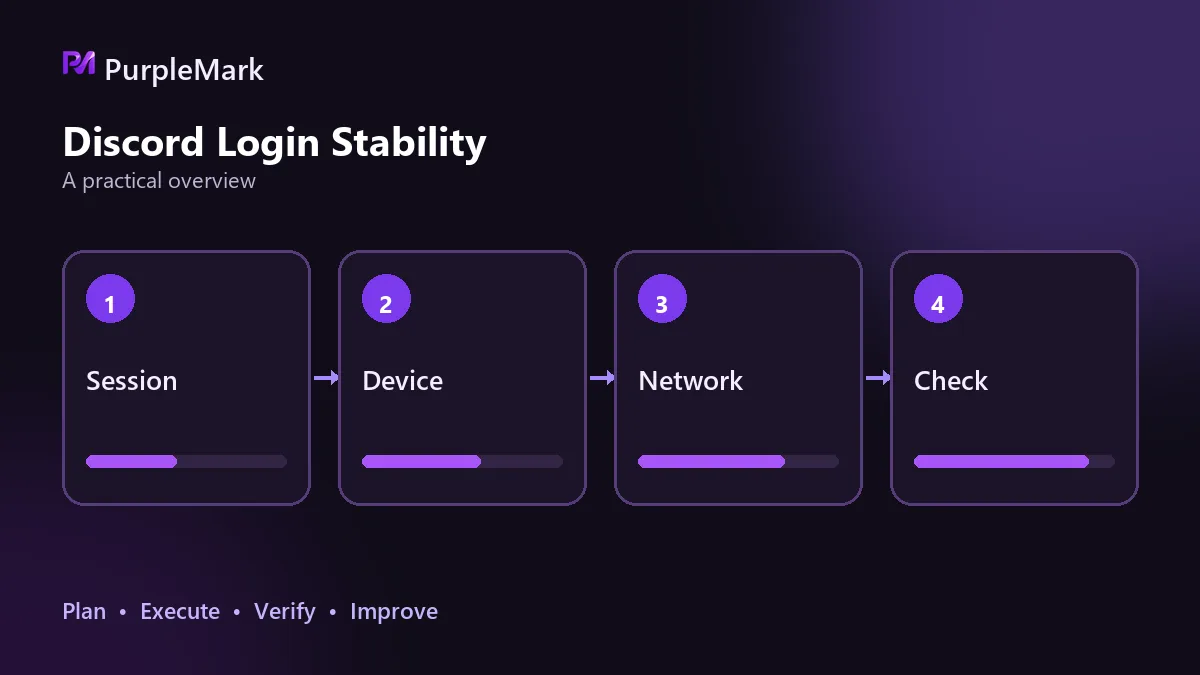
Login state is the first issue. Discord credentials and sessions are tied to devices. Signing in from an unfamiliar device or network usually triggers email verification and, in more serious cases, a password reset. Constantly changing environments means repeatedly creating extra verification work for yourself.
Notifications come next. When several accounts run in the background, alerts get mixed together. It is easy to miss an important one or reply from the wrong account. In an operations setting, posting from the wrong account can be an awkward mistake.
The most underestimated issue is spillover risk. The platform can identify relationships between accounts. If several accounts use the same environment and the same outbound connection and also show substantial overlap in behavior, a problem with one account may cause the others to be handled together. This is the most expensive hidden cost of multi-account use.
Behaviors that are easy to take too far
Bulk account registration with automation tools is explicitly prohibited. So is using multiple accounts to inflate activity, repeatedly posting invite links in unrelated communities, or sending advertising through bulk direct messages. Another particularly poor tradeoff is creating a new account after an existing one is penalized and then continuing the same behavior. That can be treated as evading enforcement, and the new account can be removed as well.
What these behaviors share is an attempt to show the platform a scale that is not real, while the platform’s decisions are based precisely on behavior patterns.
Habits worth building for community operations
Define a clear role for every account so operations, announcement, and support accounts do not overlap. Keep profile details separate so emails, avatars, and nicknames are not cross-linked. Do not mix environments or repeatedly switch many accounts in the same browser. Keep outbound connections separate where possible, because a shared connection can make accounts appear to have the same origin. Use invite links sparingly; posting them repeatedly in unrelated communities is especially likely to be reported.
Following these practices helps keep multiple accounts from affecting one another. PurpleMark’s multi-account environment capability can save each account’s login state separately and manage them centrally, so you can open the matching environment for the community you need without repeatedly signing in and out.
Frequently asked questions
How many Discord accounts can one email register? Usually one email corresponds to one account, and repeatedly trying to register with the same email will itself trigger verification.
Can logging into multiple accounts at the same time get them banned? The act of logging in is not itself a violation; the risk comes from what the accounts are used for and how they are operated.
Do missing web features matter much? Text communication and community management are sufficient on the web, but the client is recommended for voice and screen-sharing scenarios.


