
Most stolen Steam accounts are not “hacked” in the technical sense; access is usually handed over through a bad login or authorization. This guide covers three common theft paths, proper use of two-factor authentication and recovery codes, plus the practical rules for Family Sharing and cross-region purchases.
A Steam account is valuable not because of the account itself, but because of the games and items in its library. That makes it a frequent target, and most attacks do not require sophisticated techniques.
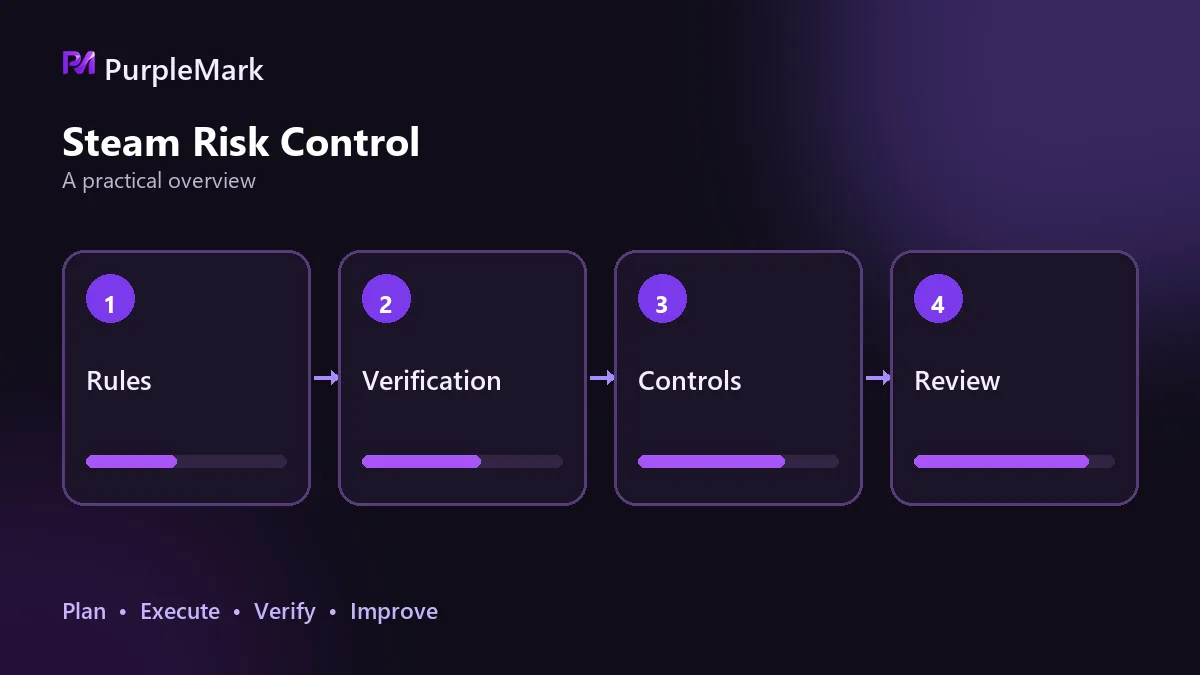
Most stolen accounts were let in through the front door
Phishing login pages are the most common route. A link from search results, a community DM, or a trading group can open a page that looks almost identical to Steam’s login page, with a domain name differing by only one or two letters. Enter your username and password there, and they can be in someone else’s hands seconds later.
Another route is authorized sign-in on third-party trading or case-opening sites. These sites prompt you to sign in with Steam and can access some account information after authorization. Less trustworthy sites may request or exploit broader access than you expected. Valuable skins and items are often transferred away in batches after such authorization.
Account sharing is another risk. Lending accounts to friends or signing in from several places may look like a simple matter of trust, but one login at an internet café or on a compromised device can expose the account. Shared use also creates a messy login history, making abnormal-login alerts easier to miss.
Set up two-factor authentication correctly first
Steam’s two-factor authentication is called Steam Guard. After installing the Steam app on your phone, you can enable it in settings. Once enabled, signing in requires not only your password but also the rotating code generated in the app.
One detail is easy to overlook: when you enable it, you receive recovery codes that can restore access to authentication if your phone is lost or the app is reinstalled. Store those codes offline—write them on paper or keep them somewhere that is not connected to the internet. Many people only discover after a phone failure that they cannot authenticate and never saved a recovery code, leaving the account locked out.
Use email verification only as a backup, not as the main defense. The email account itself should also be separate rather than reused across other accounts.
What Family Sharing can and cannot do
Family Sharing is an official feature. It shares a game library, not the account itself. That distinction is often misunderstood.
The authorization relationship must be set up by both sides on the same device and can be revoked at any time. After sharing, there are several hard limits: only one person can play the same game at a time; while you are playing it, the library owner cannot enter that game either; and some games explicitly do not support sharing.
So sharing is meant to solve usage within the same household. It does not replace buying separate copies. Expecting a group of people to play the same shared library simultaneously simply does not work.
Cross-region purchases hit two checks
Prices do differ by region, which is widely known. But Steam requires the account’s registered region to match the user’s actual circumstances, and cross-region purchasing itself violates the user agreement.
In practice there are two checks. First is the payment method: if the account region does not match the region of the payment method, the transaction will usually fail outright. Second is a later review: if Steam determines that false regional information was used to obtain a lower price, purchasing features may be restricted and serious cases may result in a ban, while games already purchased in the library do not move to another region with the account.
The savings are only the price difference; what you put at risk is the entire game library. The trade-off is straightforward.
When you genuinely need multiple accounts
Legitimate multi-account use does exist—for example, different family members having their own accounts, or one person separating accounts for different purposes.
Those accounts should be signed in independently without overwriting one another. A steadier setup is to give each account its own browser environment, keep parameters such as language and time zone internally consistent, and avoid mixing payment methods. PurpleMark’s multi-account environment features can preserve each account’s login state separately while managing them in one place.
Whatever the arrangement, each account must come from genuine, legitimate registration. Using automation tools to generate accounts in bulk is a clear violation. Platform detection is stronger than many people assume, and enforcement can happen in batches. Because the registration information itself is not genuine, there may also be no valid evidence to present in an appeal, and purchased library content cannot be transferred out.
Frequently asked questions
Can multiple Steam accounts be registered with the same email? It is not recommended. Repeatedly using the same email can trigger extra verification and also create links between the accounts.
Can Family Sharing users play at the same time? No. The same game can only be played by one person at a time. That is a platform mechanism, not a setting you can change.
What happens if a cross-region purchase is detected? The platform compares the account region with the payment method’s region, and after confirmation the account’s purchasing function may be restricted.
Get the basics right
Steam account security does not require many tricks. Enable two-factor authentication properly, store recovery codes offline, keep your login environment clean, and stop lending accounts or making cross-region purchases. Those steps avoid most of the common risks.


