
Before anything goes wrong with your Claude account, set up recovery options and store them offline, then keep your login environment stable. Regularly clean up third-party authorizations and follow the right sequence if verification is triggered.
People whose accounts are restricted often look back and feel they did nothing unusual. From a risk-control perspective, however, restrictions are less often triggered by what you said than by access patterns that do not look like those of a normal user.
Logging in from one device today and another tomorrow, with the network exit changing from place to place, is what really stands out in the records. Account protection therefore matters less after something goes wrong than in two areas people rarely want to spend time on beforehand.
Set up recovery options while the account is healthy
This is the easiest task to postpone until there is a problem, when it may already be too late.
Add a backup email now. Do not use the same provider as your primary email, and do not share it with your other accounts. If one recovery email is reused and one account is compromised, every account that depends on it for recovery can be exposed as well.
Turn on two-step verification, copy the recovery codes as soon as it is enabled, and store them offline. A screenshot in cloud storage, a browser bookmark, or a chat history does not count as offline storage. Recovery codes are meant to let you in when you cannot receive a verification code, so they need to be somewhere you can access without an internet connection.
Also record the account's key details: the registration email, account region, approximate creation date, and payment method. People rarely remember these details day to day, but appeals often ask for all of them.
One practice should be avoided entirely: purchased or borrowed shared accounts. They violate the terms of service and can stop working at any time. More importantly, the recovery method remains in someone else's hands, so if something goes wrong you have no reliable way to recover the account, and the accumulated conversation history may be lost too.
Keep the login environment as stable as possible
A stable environment is itself a layer of protection.
One device, one browser, one account is the most stable combination. If you need to access domestic services, use another browser or fully close the current browser first. Do not temporarily turn a proxy off and back on in the same window.
Once you choose an exit region, avoid switching it back and forth. A node slowing down is normal. Changing to a faster route for a little extra speed adds another abrupt change to the access history. Frequent exit changes, especially jumps between several countries in a short period, are among the highest-risk patterns.
It is also worth screening nodes in advance. You can use risk scores as a reference—the lower the better, while clearly high scores should be avoided. Residential static routes generally resemble ordinary user traffic more closely than shared dynamic routes.
Check one more thing: whether the location reported by the page matches the exit IP. Browsers have a channel that can reveal the real address directly; if the proxy does not cover it, a clean exit IP will not help. Turn that channel off when you do not need it.
Consistency matters during payment as well. Virtual cards of unclear origin, or cards whose billing address remains inconsistent with the account region, can raise the risk score.
Regularly clear third-party authorizations and sessions
Third-party apps, integrations, and plugins are easy to authorize and easy to forget. Leaving those connections active is like leaving extra doors open to the account. Review the list periodically and revoke anything you no longer use.
The lists of logged-in devices and active sessions are also worth checking. If you see a location or device you do not recognize, change the password first, terminate that session, and then investigate whether someone obtained access to your account.
Do not reuse passwords. If the same email password is used across several sites, a leak at any one of them can mean the account is no longer under your control alone.
If a team genuinely needs multiple accounts, assign one account and one environment to each person instead of having several people rotate through the same account. Tools such as PurpleMark can keep each account's login state isolated while managing them centrally, so team members enter their own environments and accounts do not become linked through shared environments.
What to do when verification is triggered
Your first reaction matters. The wrong response can turn a small issue into a larger one.
Stop first. Repeated retries, constant refreshing, or trying again through another entry point can add to the anomaly record. What began as a verification request can become a restriction.
Do not rush to change devices, regions, or accounts to try again. From a risk-control perspective, that can look like an attempt to bypass verification and may pull other accounts into the issue.
Complete the official verification flow as instructed. In most cases, once verification succeeds, the account returns to normal without additional action.
Use the opportunity to inspect the environment: did the exit location jump, is someone else using the same account, or are there still active logins on other devices?
If the account is actually restricted, submit an appeal. Do it promptly, ideally within 48 hours. Clearly explain what the account is used for and how you normally access it. Acknowledging a possible operational mistake is more likely to help the appeal succeed than simply insisting nothing was wrong. You can follow up politely once after seven days, but avoid repeated reminders after that.
Many appeals do fail. If that happens, do not immediately create a new account using the same setup, because the new account will likewise be treated as an attempt to evade the restriction.
Do not rush on the first day of a new account
Several actions are riskiest within the first 24 hours after registration: paying immediately, switching devices to log in, and asking about sensitive topics. During this period, ordinary questions and conversations are enough. Once some usage history has accumulated and the environment is stable, then consider upgrading.
Put the sequence in order
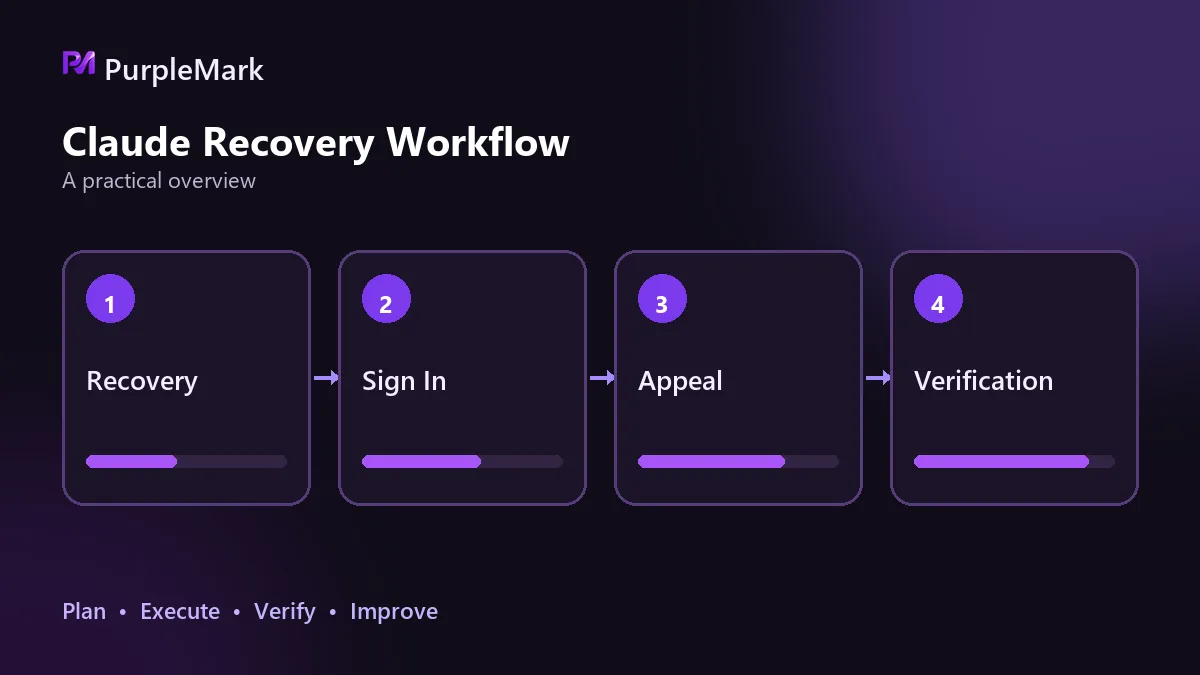
Set up recovery first, stabilize the environment next, review authorizations regularly, and handle verification in the right order when it appears. All four are inexpensive to do while the account is healthy; after a problem occurs, the room to fix them is often much smaller.


