
A Google account can connect email, ads, cloud services, developer tools, and more. This guide explains how to prepare recovery options, keep the login environment consistent, review authorizations, and handle verification in the right order.
A Google account can sit behind Search, email, advertising, cloud services, developer consoles, and app stores. When something goes wrong, the result is not just one tool becoming unavailable; a whole chain of business activities can stop at once, often at the worst possible moment.
The hard part is not the few clicks needed to register. It is keeping the same usage pattern over the following months and always retaining the information and methods needed to recover the account.
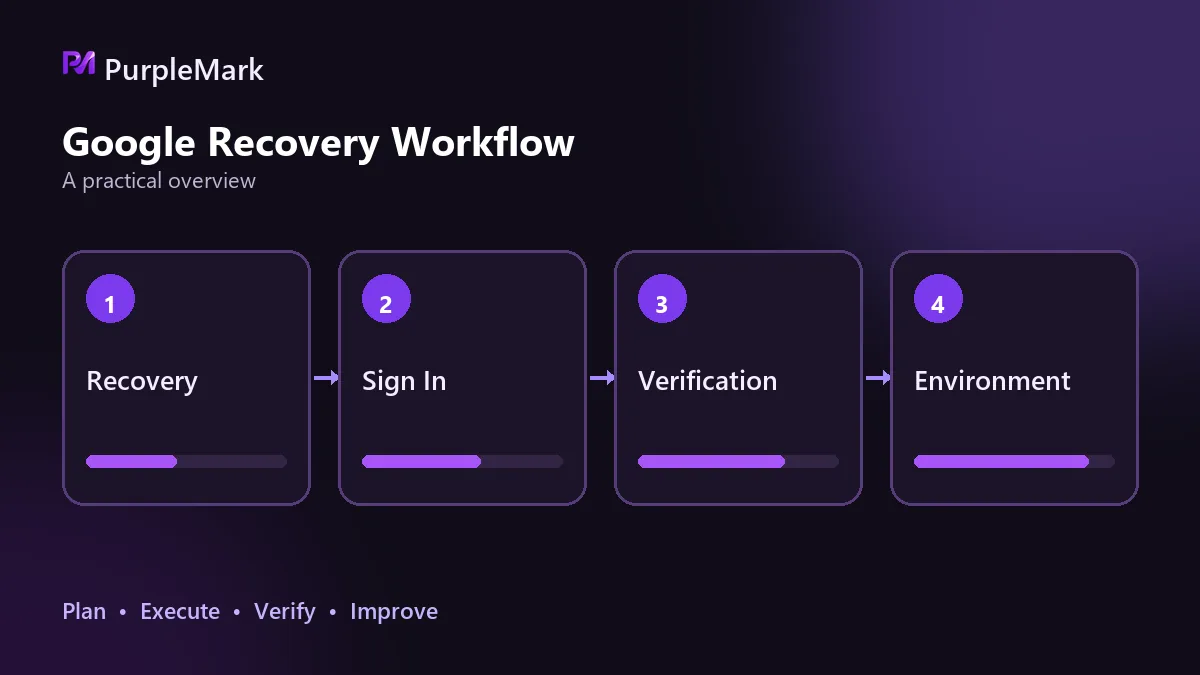
Set up recovery options before you need them
Right after registration, record four things: the account password, recovery email, linked phone number, and recovery codes. Most people fill in the first three, while recovery codes are the easiest to overlook. If a phone is lost, a number is deactivated, or text messages stop arriving, those codes can become the final fallback. Do not store them only in the cloud drive of the same account. Print a copy or keep them in an independent password manager.
For the recovery email, use an address from another provider that you expect to keep using long term. The phone number should also remain available over time because later verification and security alerts may depend on it. If you change numbers, update the account promptly.
Do not keep switching login environments
Google looks at whether the login environment is consistent, so avoid casually changing language, region, or time zone on the day of registration and during the next few days.
When registering on a phone, you generally want the language and region set to the target market, the time zone aligned accordingly, and a clean, stable network connection. Once configured, keep those settings steady, especially on the registration day. Browser registration is even more sensitive to consistency: IP address, language, and time zone should match. If you are asked to scan a code to verify a device or told that a number cannot be used for verification, it often means the environment has been judged unusual rather than the number itself being faulty.
The same principle applies when changing devices later. Keep the environment parameters as consistent as possible. Logging in from environment A today and environment B tomorrow can itself look unusual even if both environments are acceptable on their own.
Review authorizations and login records regularly
From time to time, open the security settings and check the list of signed-in devices for anything you do not recognize. Keep third-party app access only where it is still needed and revoke permissions you no longer use. Many account problems start with an old authorization that has long been forgotten.
Review recovery information as well: can you still sign in to the recovery email, and is the phone number still active? Enable two-step verification. SMS is convenient but depends on the number remaining available, while an authenticator app does not depend on the phone number and offers stronger security. If practical, add a security key too.
There is also the app store region and payment profile to consider. After adding payment details, the page may occasionally report a failure even though the profile has already been created; repeatedly submitting the form can leave multiple records. Region changes usually take effect within a few hours to 48 hours, though some accounts take longer. Older accounts that have payment profiles from another region, previous payment history, or family-group records are much harder to switch. In those cases, registering a new account can be faster than forcing a region change.
What to do when verification is triggered
When verification appears or you cannot sign in, the order of actions matters more than tricks.
First, do not keep retrying repeatedly, because repeated failures are themselves a risk signal. Next, work from the environment you normally use instead of immediately changing devices or networks. Complete the prompted verification steps. If that does not work, use the account recovery flow; this is when the recovery codes and recovery email you prepared earlier become important. Finally, avoid changing several settings at once. Make one change at a time.
A common mistake is to switch environments as soon as verification appears. Environment changes are themselves one of the possible triggers, so this usually makes the situation more complicated.
For multiple accounts, bind each account to its own environment
If you register multiple accounts for different business purposes, it is best to keep each account tied to a separate, consistent environment. Rotating several accounts through the same browser environment can make them easier to associate with one another, and that association can affect all products under those accounts, including cloud resources and advertising accounts.
Fingerprint browsers such as PurpleMark can keep a separate browser environment for each account and also help address issues such as WebRTC leaks that may expose the real network. Once each account is matched one-to-one with an environment, day-to-day operations are also less likely to get mixed up.
Conclusion
How long a Google account remains usable depends on two things that are easy to overlook: setting up the environment and account information correctly at registration, then keeping usage stable while retaining reliable recovery options. None of these steps is complicated, but they need to be done in advance. Once a verification prompt appears, it is too late to start preparing from scratch.


