
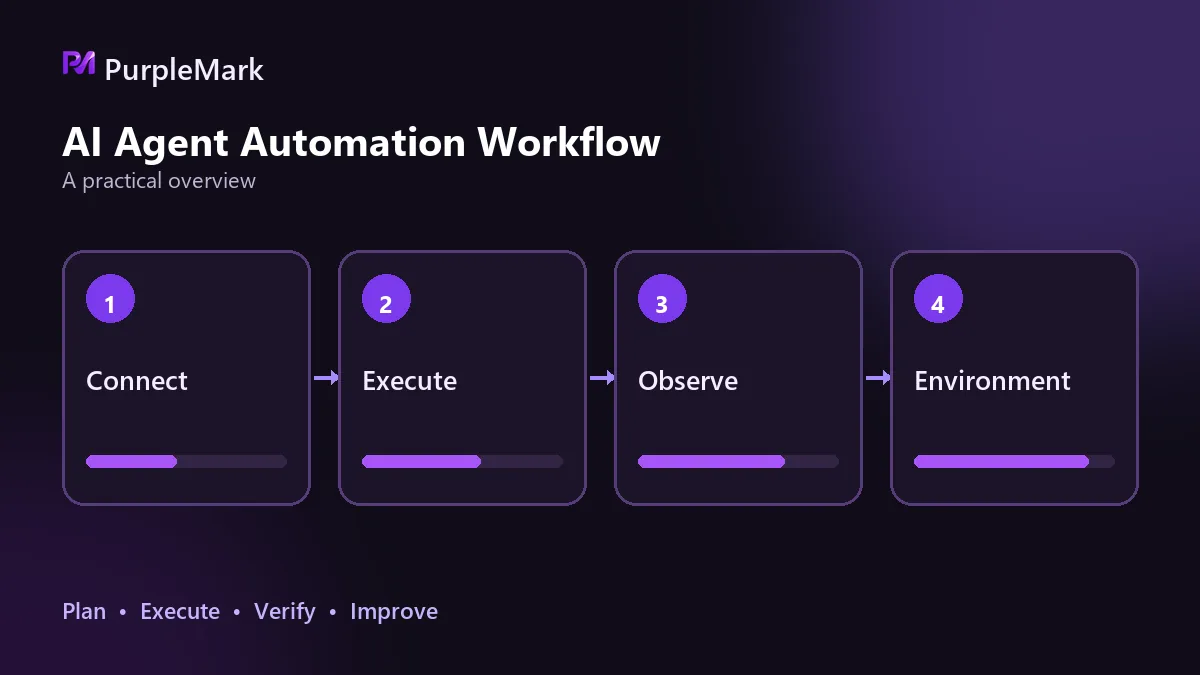
When an Agent handles web tasks, failures often come from four areas: element targeting, wait timeouts, state persistence, and environment-side blocking. Making steps idempotent, retrying recoverable failures, persisting state, and isolating environments by task can make success rates much more stable.
When you first build web automation, the approach often seems straightforward: define the workflow and run the script. The logic looks fine, yet tasks still fail sporadically and account states occasionally become abnormal. The first instinct is to inspect the code, but deeper troubleshooting usually points to four areas.
A page change breaks element targeting
Most scripts rely on selectors to find elements. Once a selector is hard-coded, almost any page adjustment can break it: a button gets a new class name, one word of copy changes, a section moves from server-side rendering to asynchronous loading, or an element is wrapped in a new container. During an A/B test, the same page may even have different structures for different accounts.
Typical symptoms are an element that cannot be found, a click landing in the wrong place, or a control with the same name but a different position being clicked. This kind of failure is not caused by network jitter, so retrying it several times will not fix it.
A practical approach is to rely less on absolute paths. Prefer accessibility attributes, stable business IDs, or relative relationships between elements; prepare fallback selectors for the same page type so the script can degrade automatically when the primary selector fails. If the page contains an iframe or Shadow DOM, switch to the correct context first, or element lookup will fail.
Waits and timeouts are set to the wrong range
If a wait is too short, an element can be declared failed before it finishes rendering, which looks like a script bug. If it is too long, a single task can run indefinitely, throughput drops, and long timeouts can hide the real error.
Explicit waits are more reliable than fixed sleep calls: wait for a specific condition, such as the target element appearing, a request returning, or a loading animation disappearing. Timeout budgets should be layered, with separate limits for an individual step, a page, and the entire task, and those limits should converge progressively instead of using one value everywhere.
It is also important to distinguish waiting for the page to become usable from waiting for a business result to be produced. For the former, waiting for the DOM to be ready is usually enough; for the latter, you may need an API callback or a change in the page's status text. Waiting for the wrong signal can make an operation look successful even though the data was never written.
Progress is lost halfway through a multi-step task
Tasks such as registration, ordering, and publishing can easily span more than ten steps. If the process exits midway because of a timeout, browser crash, or host restart, and state exists only in memory, the next run must either start over or submit the previous step again.
The consequences of duplicate execution can be harder to diagnose than a simple failure: the same operation runs twice, the upstream system gets an extra record, and the source is difficult to trace.
The solution is to give every step a persistence point. After each completed step, write progress to durable storage together with the task's unique identifier; after a restart, continue from the last successful point. This does not require a complex framework—a file or a single state record is enough.
Environment-side blocking looks like a code error
The first three issues occur inside the task, but another class comes from the environment. A site may combine browser characteristics, access behavior, and network origin to judge where traffic is coming from. If it considers the traffic suspicious, it may return a verification page, empty content, or simply time out. In task logs, this can look almost identical to an execution error.
Common triggers include:
- The egress IP location, time zone, and language do not match
- All tasks send requests from the same browser environment, creating a request density per unit of time that is clearly higher than that of real users
- The environment changes frequently, or the account repeatedly signs in again
Four practices that raise the success rate
- Make every step idempotent. Before execution, confirm whether the prerequisite is already satisfied, so repeating an action does not create additional side effects. Read operations are naturally idempotent; write operations need a unique identifier or deduplication key as a safeguard.
- Classify failures. Temporary failures, such as an element not yet rendering, network jitter, or an API returning 5xx, can use backoff and retry. Deterministic failures, such as an account restriction, invalid parameters, or a missing target resource, will not improve with more retries; mark them terminated instead of letting them keep consuming concurrency.
- Persist state regularly. Store progress, intermediate artifacts, and the current step so a restarted task continues from where it stopped instead of returning to step one.
- Isolate the runtime environment by task. Give each account or task its own browser environment so Cookies and local storage are not shared, fingerprint characteristics differ in reasonable ways, and time zone and language stay consistent with the region of the egress IP.
The fourth practice becomes especially important as task volume grows. When dozens or hundreds of tasks run concurrently, the environment layer sets the upper bound on stability and determines how wide the impact will be when something goes wrong. In these scenarios, PurpleMark provides the ability to create isolated environments on demand and reclaim them in batches, giving each account its own environment so task states do not contaminate one another.
This content is provided only for technical research and development-practice sharing. Use the relevant technologies legally and compliantly, and follow the target platform's terms of service.


