
AI sidebars, agent-driven browsers, cloud-isolated browsers, and environment-managed browsers solve very different problems. Before choosing a tool, first decide whether you need understanding, execution, or scalable orchestration.
The term AI browser is used very broadly today. A browser with a chat box can be called an AI browser; so can a browser treated as an environment resource that software can schedule.
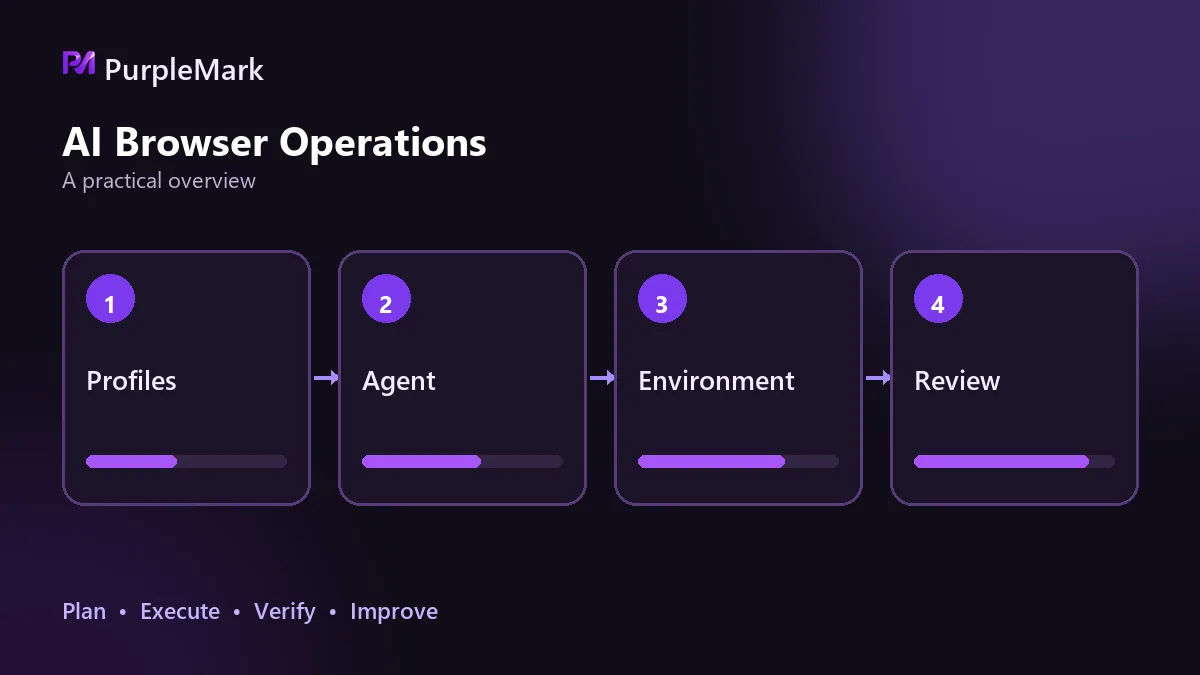
The name may be the same, but the problems these tools solve are very different. Instead of reviewing products one by one, it is clearer to divide them into four types and look at what each can do and where each reaches its limits.
Sidebar assistants: understand the page without operating it
This type adds a persistent sidebar or panel beside a conventional browser. It can summarize long articles, academic papers, and even PDFs hundreds of pages long; answer questions based on the page you are viewing; draft emails and weekly reports; translate or rewrite text; and adjust tone and length. Some also support image uploads for visual analysis or direct voice conversations.
In essence, it moves the AI assistant next to the page and removes the need to copy and paste content into a separate chat. For organizing material, researching topics, and assisting with writing, this is often enough.
The limitation is equally clear: it understands content but does not operate the website. It can help you sort through a pile of material, but it cannot click, fill in forms, and submit them for you. It belongs to the reading and processing layer, not the execution layer.
Agent-driven browsers: can act on their own, but are best at one task at a time
This type goes one step further. You give it a task in natural language, and it completes multiple steps on its own: scrolling pages, clicking buttons, filling forms, and comparing information across several open tabs. The key is page understanding. It needs to identify input fields and submit buttons by itself rather than depend on selectors written in advance. When page structure changes and selectors break, it can still try to continue.
There are three main limitations. Operations involving payments, banking, or privacy are usually paused for manual confirmation; that is a safety boundary by design, not a defect. It can still make mistakes on complex sites with many custom components. Another often-overlooked point is that it is designed for single-user interaction rather than concurrency, so one task at a time is its normal rhythm.
It suits individuals handling complex but infrequent web tasks.
Cloud isolation: the browser runs remotely but feels local
Here the browser process runs outside your machine, while the local device mainly handles interaction. The same environment can therefore be opened from different devices, with sessions and login states retained in the cloud instead of being reconfigured on every machine. States can be snapshotted and rolled back, a broken environment can return to the last usable state, and data does not need to remain on local devices. That is useful for teams with changing devices or teams that do not want business data spread across endpoints.
The trade-offs also come from the cloud. Network round trips add latency, so interaction feels less immediate than with a local browser. As the number of environments grows, cloud resource costs keep increasing. Access to local files, local hardware, and internal systems is more constrained than with a local browser. And moving the machine to the cloud does not solve everything: network egress allocation and concurrency control across multiple environments still need to be planned.
Environment-managed browsers: the layer designed for software orchestration
This type is not positioned as a browser for people. It is an environment resource for software to schedule.
It can create independent environments in batches, each with its own fingerprint, cookies, and local storage; expose interfaces to create, query, start, stop, and recycle environments; bind a separate network egress to each environment; and integrate with mainstream automation frameworks for programmatic control. Its purpose is to make browser environments schedulable, isolated, and manageable infrastructure.
It solves a fundamentally different problem. When a workload grows from 1 task to 100, the approaches above can fail together: one user with one window and one task at a time does not support batch work; environments contaminate one another; tasks interfere with each other; and accounts may be treated as one group. At this layer, PurpleMark provides isolation and centralized management of browser environments so each task can run in its own environment.
Its limitation is that it does not make decisions for you and does not change any platform rules. Whether a task is compliant still depends on the task itself.
How to choose
The decision sequence is simple: work backward from your actual requirement.
- If you only need AI to help you understand web pages, the first type is enough; do not pay extra for execution capabilities you do not need.
- If you need AI to perform a complex operation for you once, the second type fits.
- If you do not want data kept locally and need to continue across multiple devices, the third type is a better match.
- If automated tasks need to run stably, in batches, and without interfering with one another, then regardless of which AI capability you use above, you also need the fourth layer.
The last point deserves emphasis. AI decides what to do; the browser environment determines under what identity it is done. When the identity layer is unstable, failures can look random even though the root cause is the environment. Many teams are first attracted by the idea of an AI browser and buy a tool focused on understanding, only to discover later that their actual need is batch execution. Once the direction is wrong, even a good tool cannot fill that gap.
First decide whether you need an assistant or execution, then decide the scale. Before scaling up, establish the environment layer and validate the workflow with a small number of tasks. Expanding only after that is much easier than cleaning up a batch of interconnected accounts afterward.


