
Identity verification requests are usually related to regional availability, account security, and abuse prevention. This article explains the verification steps, common reasons for failure, and the official paths to follow if verification is unsuccessful.
Claude has added identity verification requirements to some usage scenarios, a change Anthropic has described in its Help Center and is rolling out gradually. The most direct impact on users is that certain advanced features or higher-tier plans may require a government-issued ID and a live selfie.
One point should be clear from the outset. This article covers the verification rules themselves and what to do when problems occur; it does not describe ways to bypass verification. That route is not workable, and the cost is not worth it.
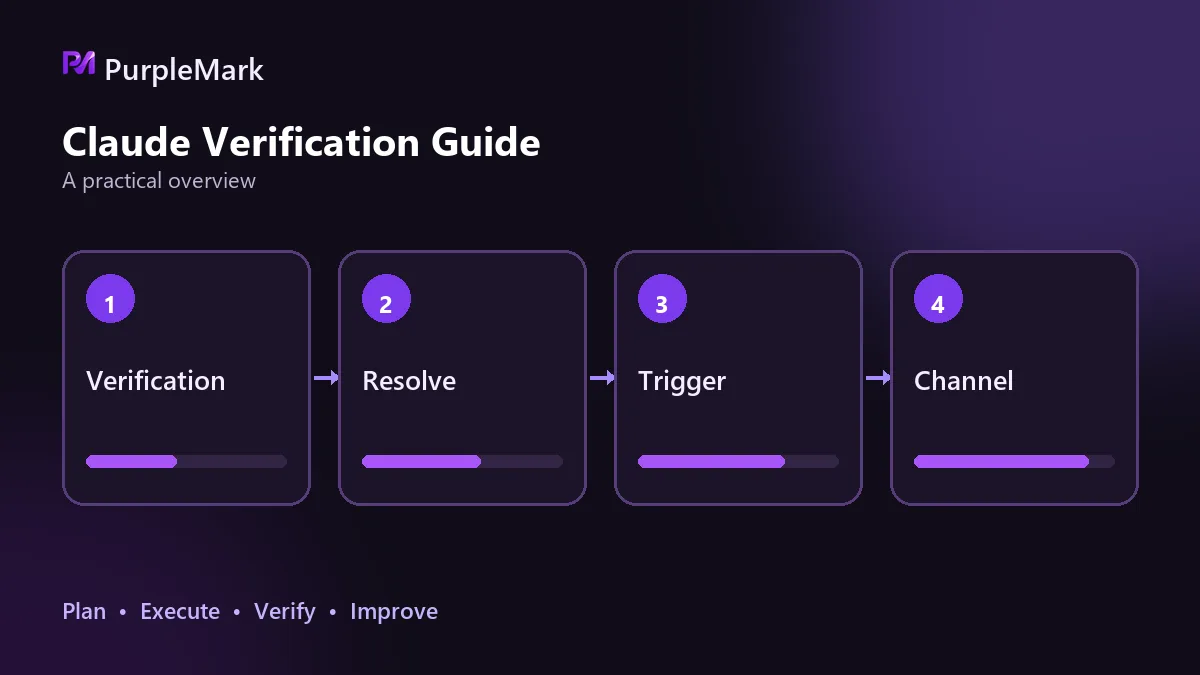
Why the platform verifies identity
There are three overlapping reasons.
Regional availability. Claude is not available in every country or region. Mainland China, Hong Kong, Macau, and certain restricted regions are outside the service area, and the official rules explicitly list creating an account from an unsupported region. One purpose of verification is to confirm that an account comes from a region where the service is available.
Account security. If an account is resold, shared among multiple people, or continues to be used after being stolen, the platform needs a way to confirm that the operator is the account owner.
Abuse prevention. Bulk registrations, account reselling, and automated abuse continuously consume platform resources and also create compliance burdens. Verification is a relatively low-cost way to filter out some of this activity.
In other words, stricter verification is not an extra restriction aimed at one type of user; it is part of the controls a platform needs as it expands its service coverage.
What the verification process involves
Broken down by process, it generally includes these steps.
Submit an identity document. This can be a physical government-issued document such as a passport, driver's license, or identity card.
Live selfie. You take a photo on the spot using a phone or computer camera; pre-prepared photos are not accepted.
Third-party matching. An external identity verification service performs the check to confirm that the document information and selfie belong to the same person.
Registration prerequisites. Registration itself requires a non-mainland-China phone number, and mainland Chinese numbers (+86) currently cannot be used directly for registration. The country associated with the phone number can also affect later checks, so the login environment, network endpoint, language, and time zone should ideally remain consistent with the country of the number used at registration.
As for what can trigger verification, the main cases officially listed include the following.
| Trigger scenario | Description |
|---|---|
| Using certain advanced or new features | Verification may be required first while a feature is being rolled out |
| Registering for or upgrading to a higher-tier plan | Verification prompts are more common with higher-tier plans |
| Random selection | A prompt may appear as part of platform integrity checks even when there has been no violation |
| Unusual account logins | Abnormal login locations, frequent country switching, or suspicious activity patterns |
| Coming from certain regions | Users in these regions may face stricter verification requirements |
Verification is still being rolled out gradually. It is currently more common for newly registered accounts, accounts with recent unusual login behavior, or situations that trigger higher-level risk controls. Older accounts that have been used for a long time in a stable environment have not, for now, seen large-scale mandatory verification.
Common reasons verification fails or is rejected
The ID comes from an unsupported region. This is the most direct case. If the region is outside the service area, changing the submission method will not change the outcome.
The identity document and account information do not match. If the name, region, country associated with the registration phone number, and payment information contradict one another, verification is difficult to pass.
The material itself is unacceptable. An expired document, a blurry image, glare or obstruction, or documents that do not belong to the account holder can all lead to rejection.
The environment changes repeatedly within a short time. If the same account logs in through one country's network endpoint today and another country's tomorrow, the platform may require verification again or may reject the current check outright. Environmental changes are themselves both a trigger and a reason for failure.
Repeated submissions. Multiple failed attempts leave records and can make later handling more complicated.
What to do if verification does not pass
Read the entire prompt first. Confirm what kind of verification is required, what must be submitted, and whether there is a deadline before taking action.
Complete verification in your usual environment. Do not immediately switch devices, networks, or accounts as soon as you see the prompt.
Submit genuine, usable material that matches the account information. Do not use someone else's ID or verification material of unknown origin. Such material is often already heavily reused and is more likely to trigger risk controls.
If it still fails, use official support channels. Submit the issue through the Help Center or support entry point, explain the account situation, where the process is stuck, and what you have already submitted, then provide additional information as instructed by support staff. Do not repeatedly submit the same material.
There is another case that should be addressed separately. If the account's region is not supported in the first place, a failed verification is not a process problem but an availability problem. In that situation, there are only two practical options: wait until the platform becomes available there, or use a service that the platform explicitly supports in your location. Trying to make a different ID fit the situation only makes matters more complicated and is also inconsistent with the terms of service.
How to reduce everyday interruptions
None of these require special tricks; they are mainly usage habits.
Keep the network exit consistent. Avoid switching network endpoints frequently, and avoid shared exits of unknown origin.
Keep the environment consistent. Use the same login environment for an account over the long term, and keep the time zone, language, and location of the exit IP aligned instead of presenting contradictory parameters.
Use genuine information. Use real, usable information for both registration and verification. Account sharing is one of the most common triggers: multiple people using the same account from different places can hit several risk signals at once. If a team genuinely needs multi-user access, each person should subscribe separately or use the team's official plan.
Back up in advance. Export and retain copies of conversation records, project context, prompt templates, your own projects, and outputs as part of normal practice. This is not specifically for one verification event; it is a sound habit for any work that depends on a cloud account.
Verification is only one check in an account's lifecycle. What most affects whether an account is interrupted repeatedly is whether its long-term usage remains stable, genuine, and tied to a single user.


